Sign In Scheduling vs Microsoft Bookings: Comparison of Top Scheduling Tools
Which one is a better scheduling solution for you? Sign In Scheduling or maybe Microsoft Bookings?


Compare Sign In Scheduling and Microsoft Bookings Websites
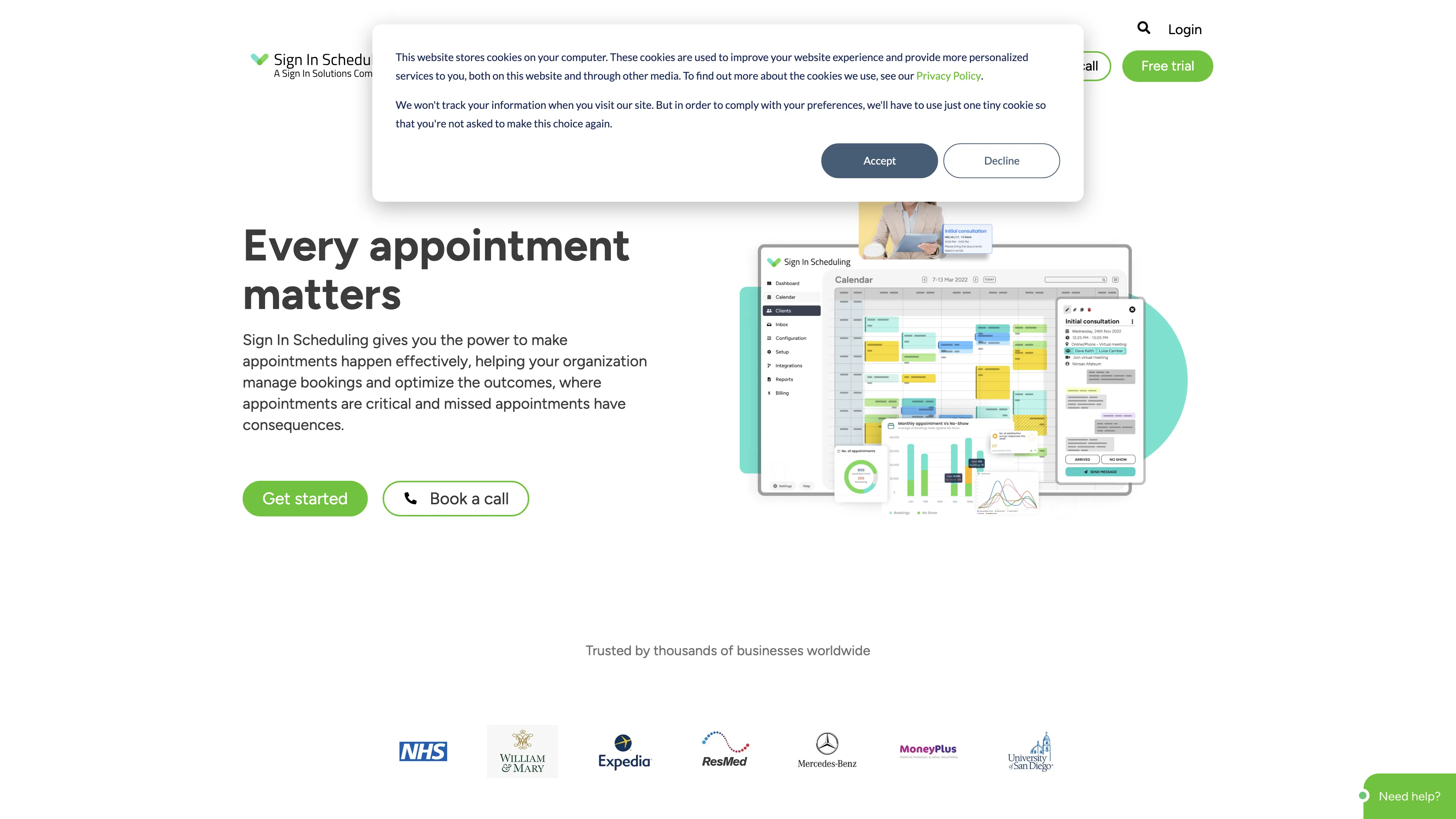
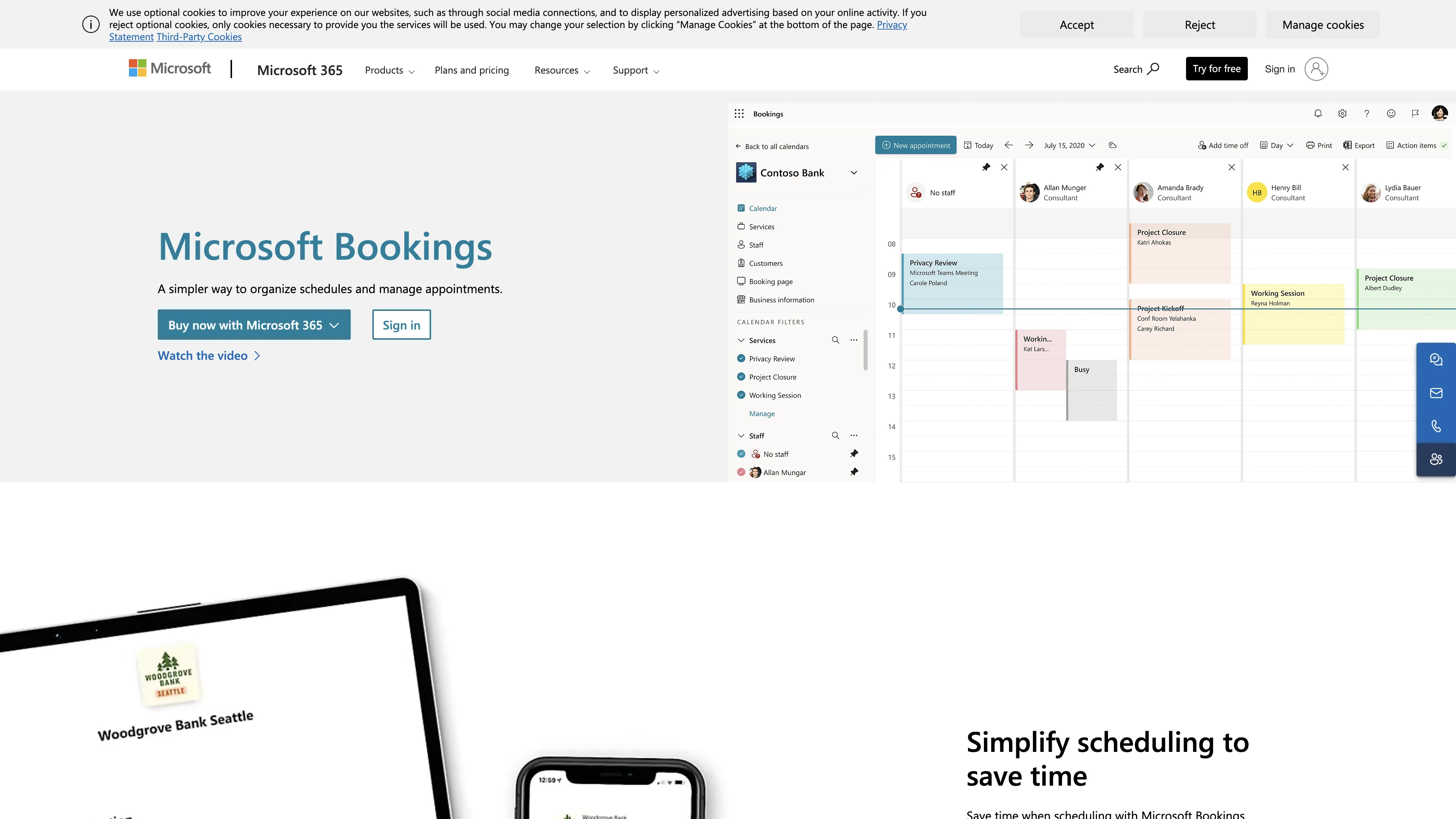
Watch and Compare Sign In Scheduling and Microsoft Bookings Promo Videos on YouTube.
Main Points to Consider for Sign In Scheduling vs Microsoft Bookings
Sign In Scheduling has a rating of 4.7, while Microsoft Bookings has a rating of 4.3. The Sign In Scheduling Standard plan costs $38 monthly, per user, compared to Microsoft Bookings's $15 monthly, per user. Compare Sign In Scheduling and Microsoft Bookings features based on collected data and real user reviews that highlight their possibilities, issues, customer service, and value for money.
Key consideration for Sign In Scheduling: Sign In Scheduling is user-friendly with great support and easy WordPress integration, but has limited features and appointment caps requiring upgrades.
Key consideration for Microsoft Bookings: Microsoft Bookings is a user-friendly scheduling tool with great integration in Office365, but has limitations in calendar visibility and access control.

User Reviews
What Are Users Saying About Sign In Scheduling?
[...] The booking system has truly been an absolute help in more ways than one, it is easy to setup,and compliments my business perfectly.
[...] It is very user friendly, with great customer service and support. I love the easy and intuitive interface.
[...] It integrates easily into my wordpress website. I love that it has a free option and Ive been impressed with the support when there has been an issue.
[...] The features were limited compared to other scheduling options in the market.
[...] It limits the number of appointments we could set, so we had to upgrade. Kind of stinks that we had to do that, but we had to for our business.
[...] A little awkward to work at first and still have not figured out how to integrate the online payment features.
What Are Users Saying About Microsoft Bookings?
[...] This software is a great tool to have an organized schedule and ensure you are not overbooking yourself. It is very easy for clients to use and it even sends out meeting reminders to them.
[...] I promise you guys this is the most accurate way to make an appointment with a company. This is very easy to use and understand which is very good.
[...] It keeps all your meetings organized and allow booking appointments. Great comparability with the other applications.
[...] If you have a receptionist making bookings, there would be no need for their calendar to show up. In the Teams version of the app, you can remove the useless calendars.
[...] The next access tier down is that they can view bookings, but not create or modify them. That's next to useless, if you ask me.
[...] I personally still struggle with the functions in the software, only because I fairly new in usuing the software.