First Steps
Read time: 8 minutes
I can't log in to Calendesk. What can I do?
What to do when the Calendesk panel won't let you or an employee in: a new password, employee access, 2-step verification and error messages.
Read time: 2 minutes
How to change the logo on your website?
Add or change your logo in the Calendesk website builder, decide how it's shown and where it leads.
Read time: 2 minutes
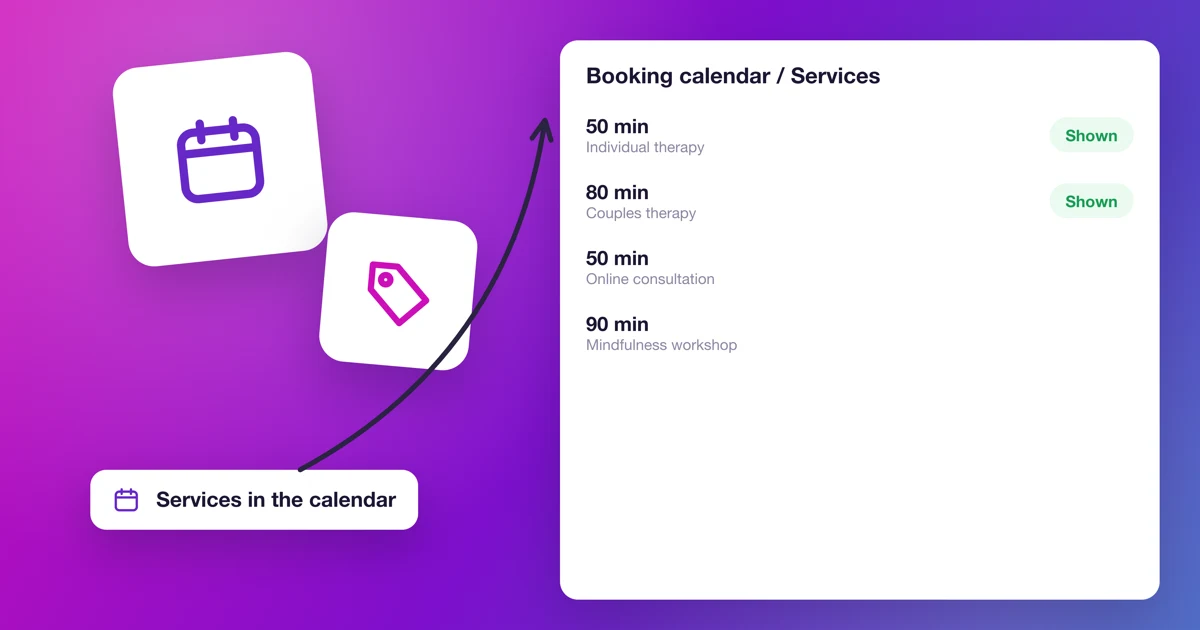
How to choose the services shown in the booking calendar?
Choose which services customers can book in your website's calendar, in the builder or with a URL parameter.
Read time: 4 minutes
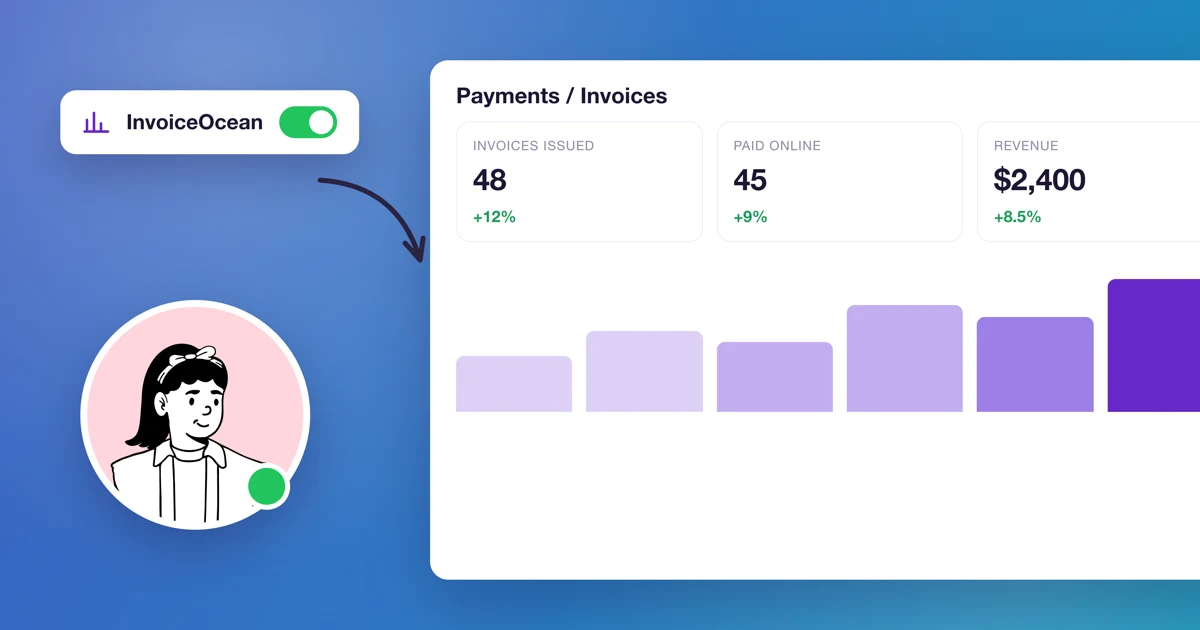
How to connect Calendesk payments with InvoiceOcean (Fakturownia)?
Issue invoices in InvoiceOcean (Fakturownia) automatically after every Calendesk payment: connect the accounts, set billing details, VAT rates and GTU codes.
Read time: 4 minutes
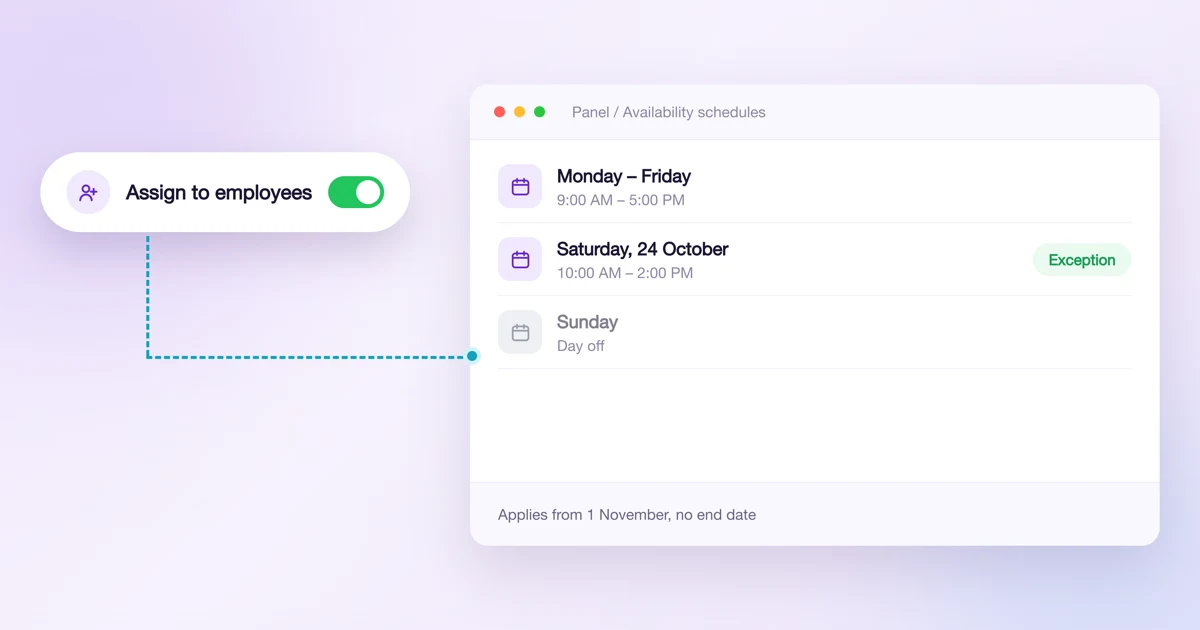
How to manage employee and service availability schedules?
Create availability schedules, add conditions and exceptions, and assign them to employees or services for a set period.
Read time: 3 minutes
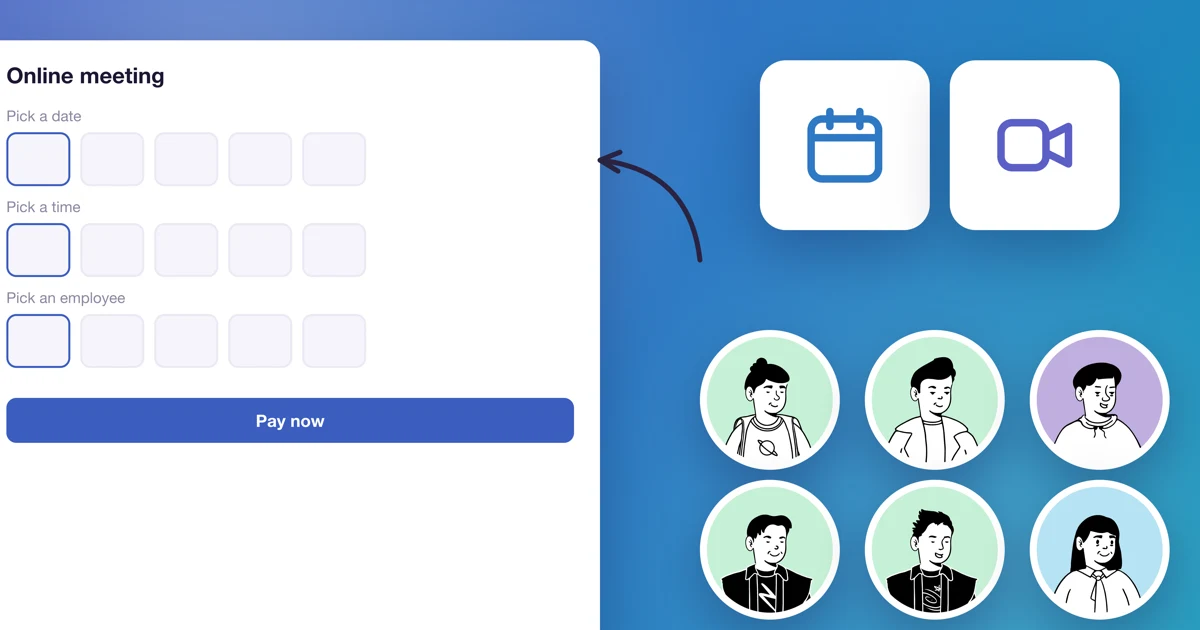
How to integrate Microsoft Services (Outlook Calendar and Teams) with your system?
Synchronize your Outlook calendars and automatically create Microsoft Teams meeting links. This article will show you how to connect your Calendesk account to Microsoft services.
Read time: 3 minutes
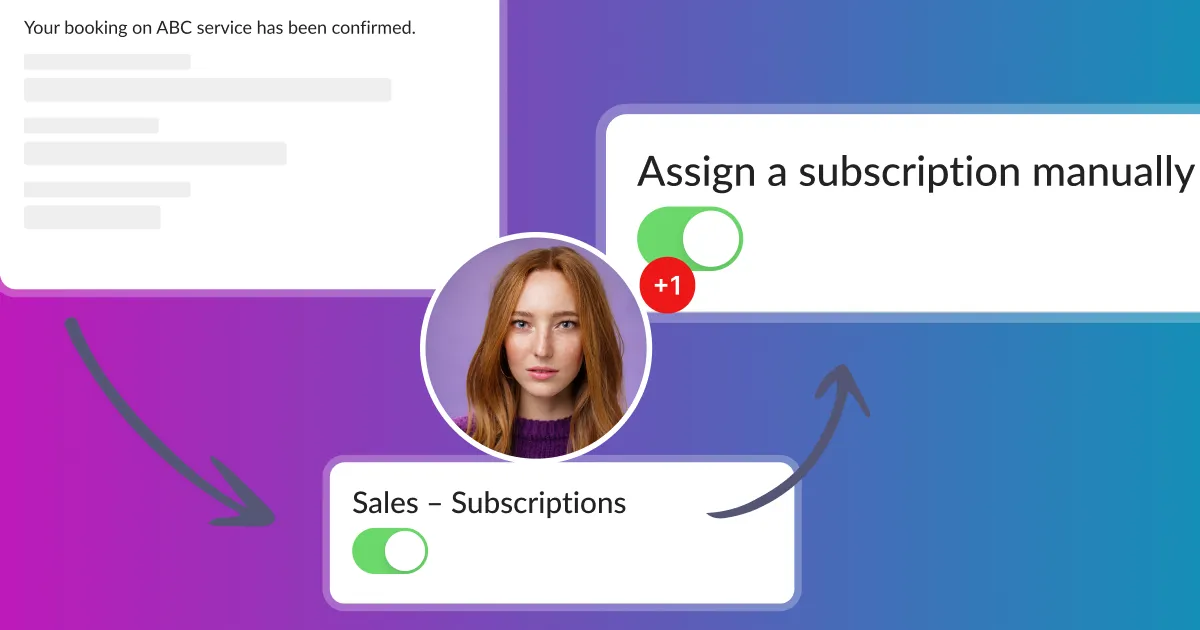
How to manually create customer subscriptions or one-time fee packages?
Customers can subscribe to subscriptions or purchase one-time fee packages using your website. They are two ways to do so, you can redirect directly to the booking page.
Read time: 6 minutes
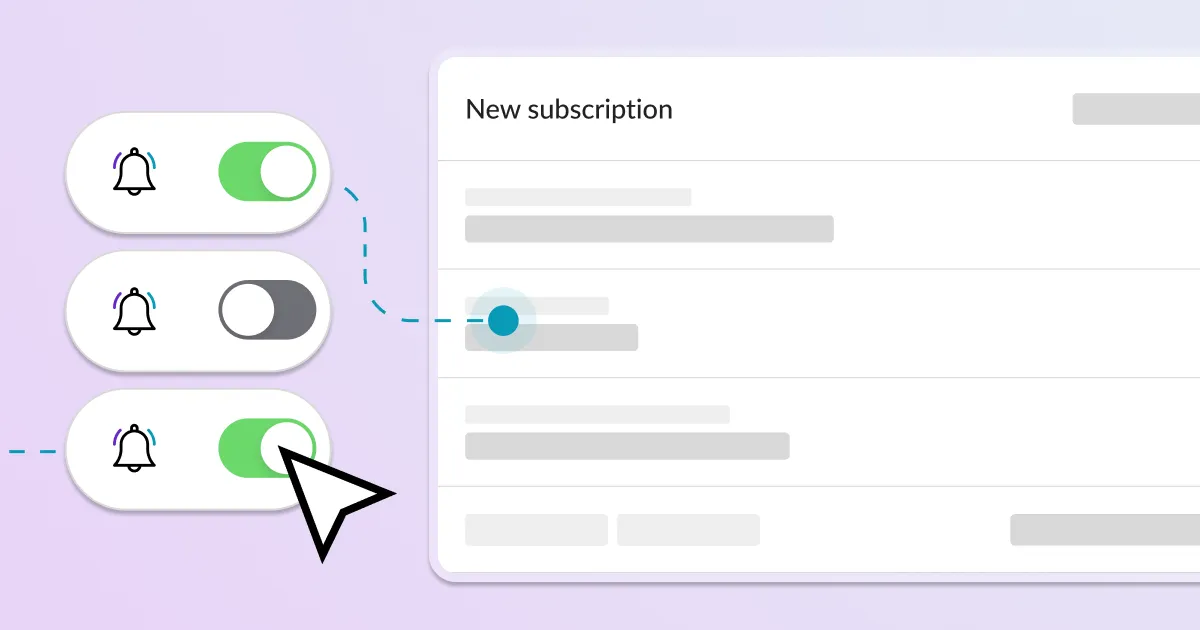
How to offer subscriptions or one-time payments for your customers?
What do you need before you create a subscription-based model in Calendesk? You need to have an active Calendesk account. If you don't have an account, you can create one for free.
Read time: 2 minutes
How to add custom fields to your website booking system?
A well-designed reservation form significantly facilitates the scheduling of business appointments. By using a booking form, you can gather the necessary information from your clients.
Read time: 2 minutes
How to preview service availability in the admin panel?
Preview free slots with Test availability, see which schedule applies in Schedules preview, and pick times straight from the new booking form.
Read time: 2 minutes
How to change the currency?
You can enable payments with Stripe in Calendesk in 46 currencies and 37 countries. Here is the complete list of the supported countries and currencies.
Read time: 2 minutes
How to add an online booking system to WordPress?
Make sure you have read the article about generating your code for your online booking system: How to add an online booking system to your website? Once you have your code, you can easily add it to your WordPress site.
Read time: 2 minutes
How to add an online booking system to your website?
Add Calendesk Online Booking System to your website easily. Follow these steps to integrate our booking system into your website drafts and start accepting appointments.
Read time: 3 minutes
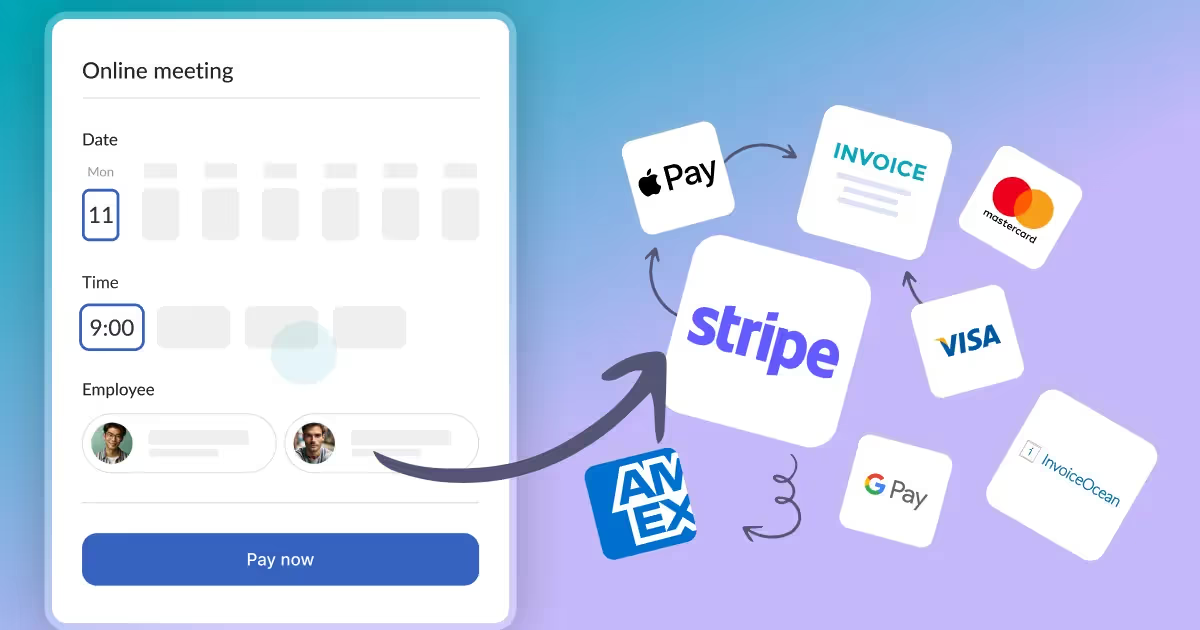
How to integrate Stripe payments?
Integrate Stripe payments into your Calendesk booking system for online payments, subscriptions, or products. A Stripe account is required.

Read time: 3 minutes
How to integrate Google Services (Google Calendar and Google Meet)?
Learn how to connect your Calendesk account to Google Calendar and Google Meet. This article explains what these Google services are and how to integrate them.
Read time: 3 minutes
How to set your custom domain for your website?
How to connect your own domain to your Calendesk website: buying the domain, two DNS records at your provider and the check in the builder, step by step with one example.
Read time: 2 minutes
How can I add an employee?
Add an employee to your database to manage your online bookings. This feature allows you to easily add and manage staff members for your business.
Read time: 2 minutes
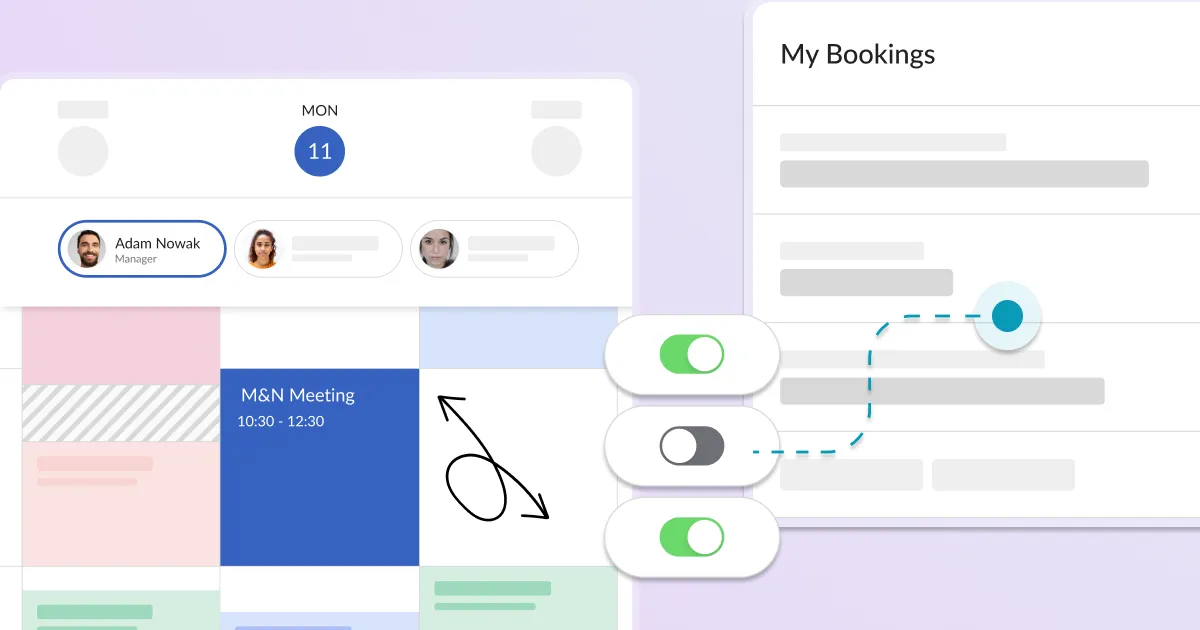
How can I manage bookings through the calendar?
The calendar is a section where your employees can view and manage all paid and accepted online bookings. To view all the bookings, you need to select the desired date.

Read time: 5 minutes
How can I personalize a website?
Learn how to personalize your website with Calendesk. After generating and personalizing your subdomain, you can easily publish your site.
Read time: 2 minutes
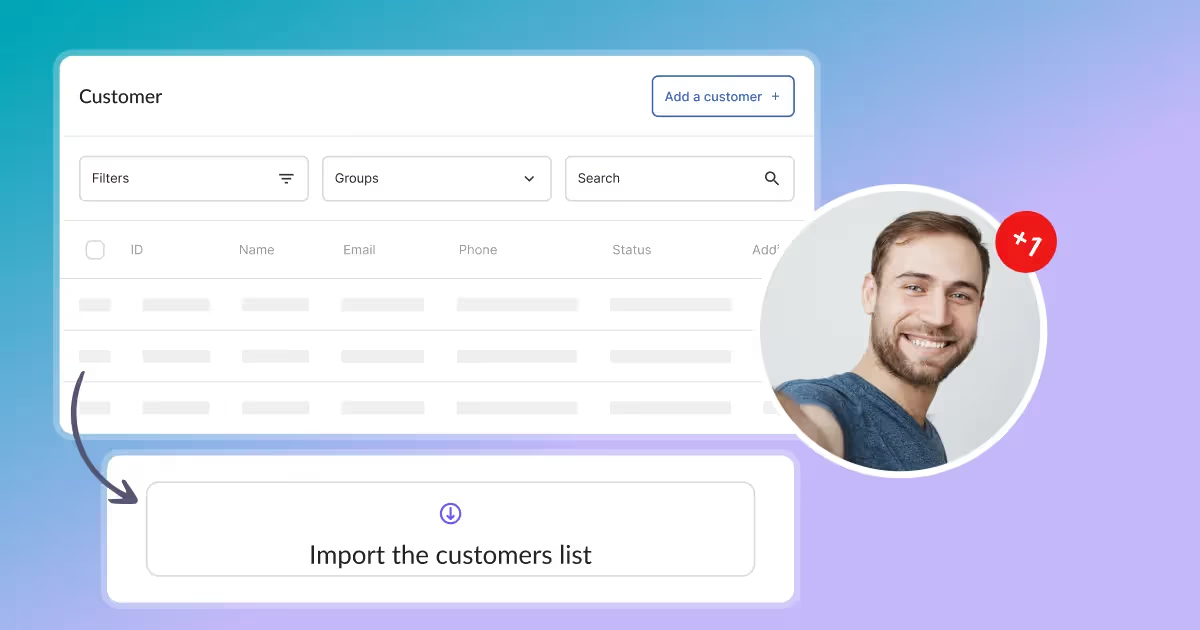
How can I add a customer?
Add new customers to the Calendesk platform using the "Add a customer" view. Enter details of those who will be using your services.
Read time: 2 minutes
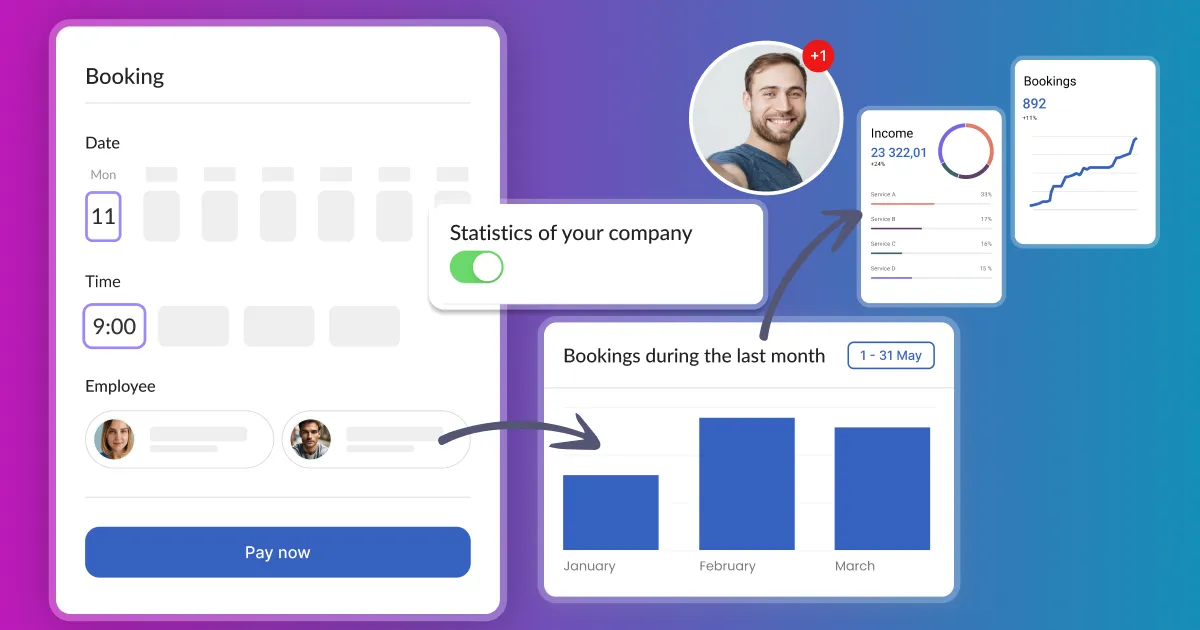
How do I quickly set up the system and view statistics?
The Dashboard walks you through setup and shows your revenue, bookings and clients for any period.
Read time: 2 minutes
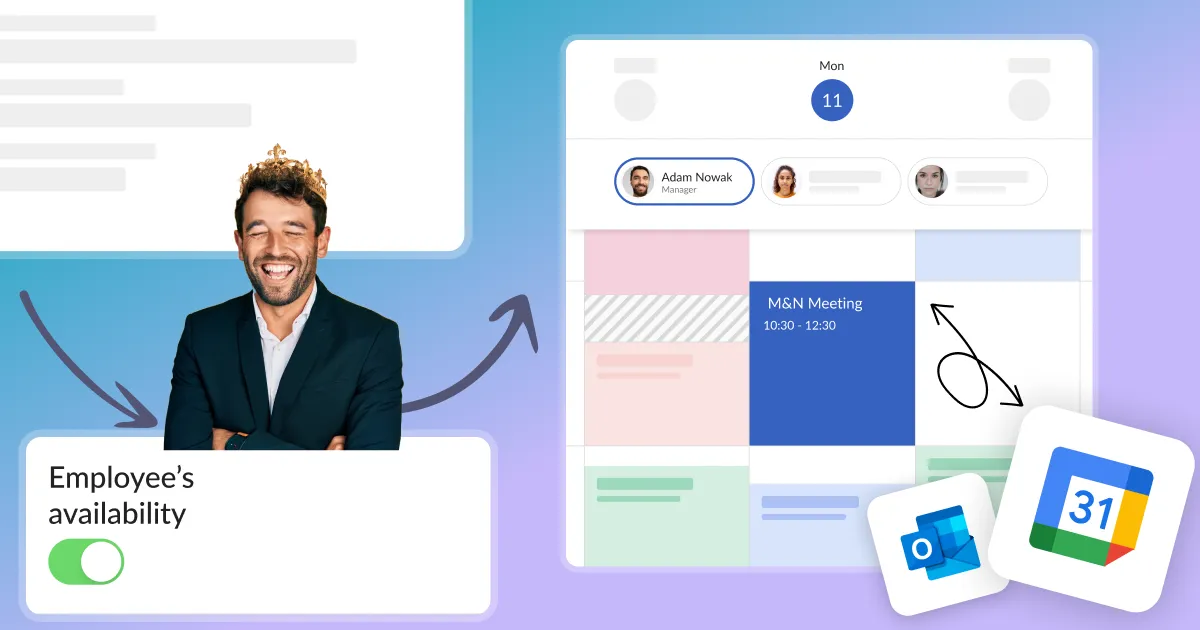
What to do when the service availability is not displayed correctly in the customer's calendar?
Set up your Calendesk account quickly and effectively so that your customers can start using your booking system as soon as possible.
