Calendesk Help Center Articles: Discover how to swiftly begin with Calendesk, covering everything from registration to initial setup.
Read time: 4 minutes
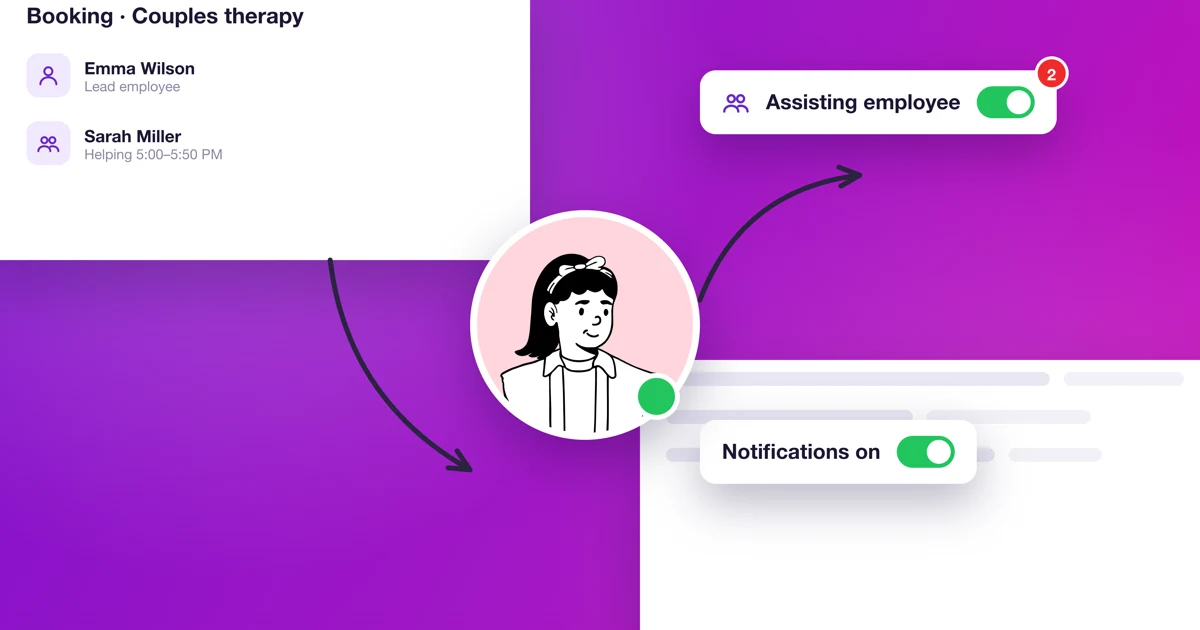
How do I add an assisting employee to a booking?
Add a second person to a booking, set their help time and see what happens when they're busy. Plus notifications and permissions.
Read time: 4 minutes
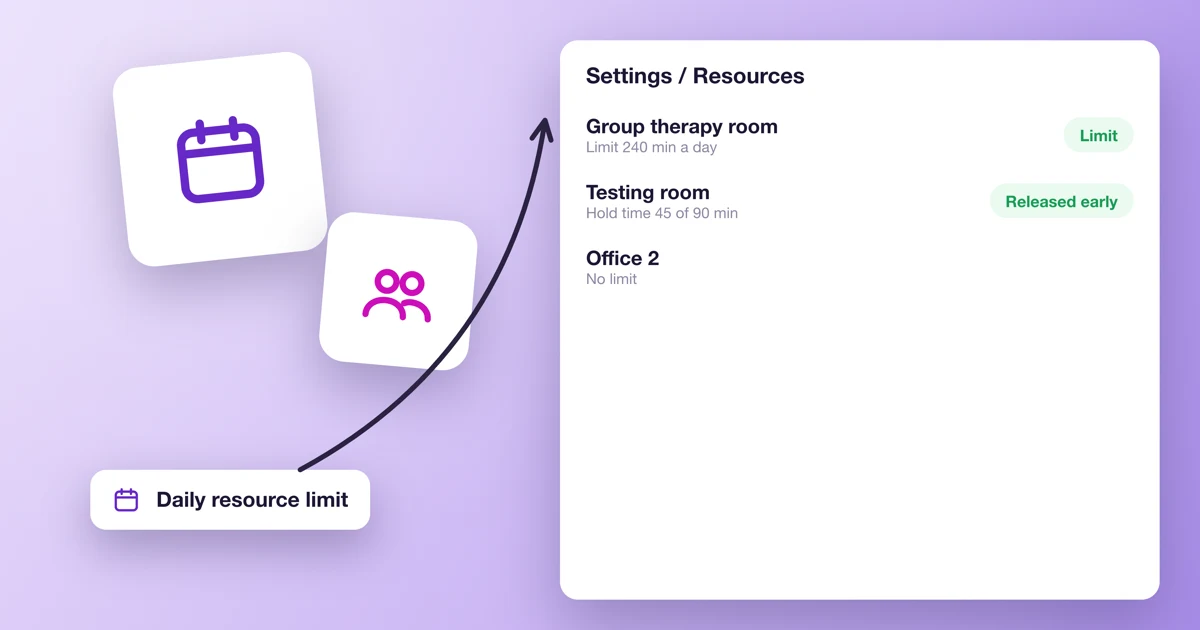
How do I set a daily resource limit and release a resource early?
Cap how many minutes or bookings a room or piece of equipment takes each day, and free it when a service only needs it for part of the appointment.
Read time: 3 minutes
Frequently asked questions about Calendesk Chat
Answers to the most common questions about Calendesk Chat: price, agents, logging in, notifications, cookie banner, suspending and cancelling.
Read time: 3 minutes
How do I connect my own system to Calendesk Chat with webhooks and bots?
For developers: webhooks with chat events, signature checks and bots that reply in conversations.
Read time: 2 minutes
Which integrations does Calendesk Chat have?
Webhooks, Dashboard Apps, Google Translate and Cloudflare RealtimeKit: what each one does and what you need to connect it.
Read time: 2 minutes
When and how should I create teams in Calendesk Chat?
When teams make sense, how to create one, add agents and hand conversations to a team.
Read time: 2 minutes
How do I set up automation in Calendesk Chat?
Rules that assign, label and resolve conversations by themselves: event, conditions and actions, with examples.
Read time: 2 minutes
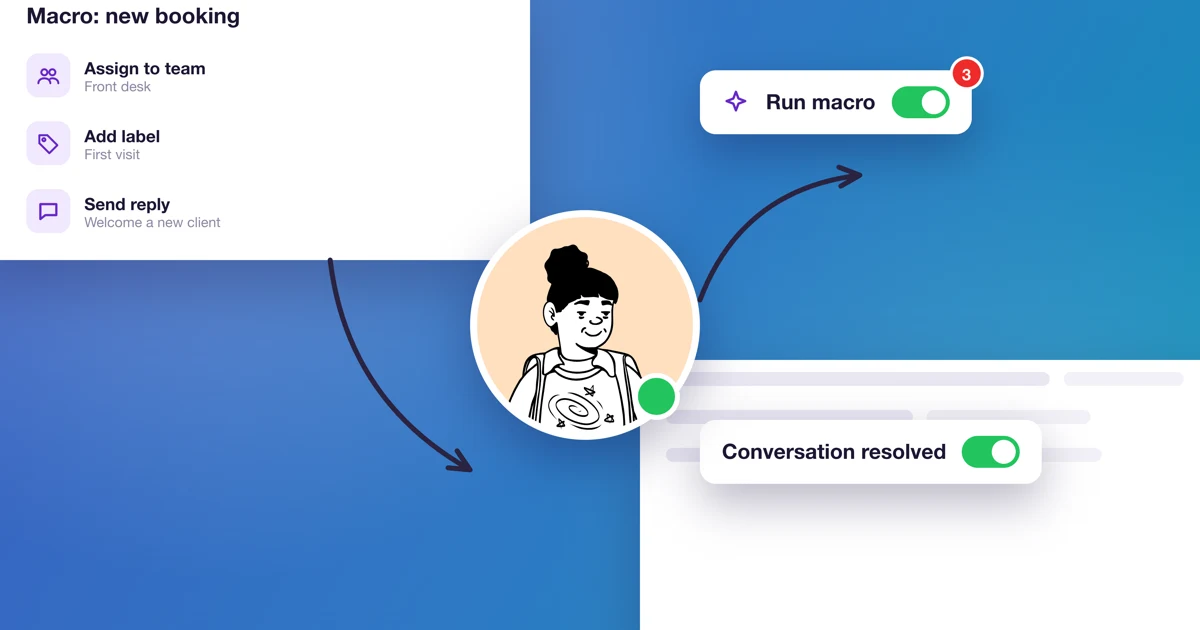
How do macros work in Calendesk Chat?
How to save several actions as a macro and run them with one click in a conversation. With examples for a practice.
Read time: 2 minutes
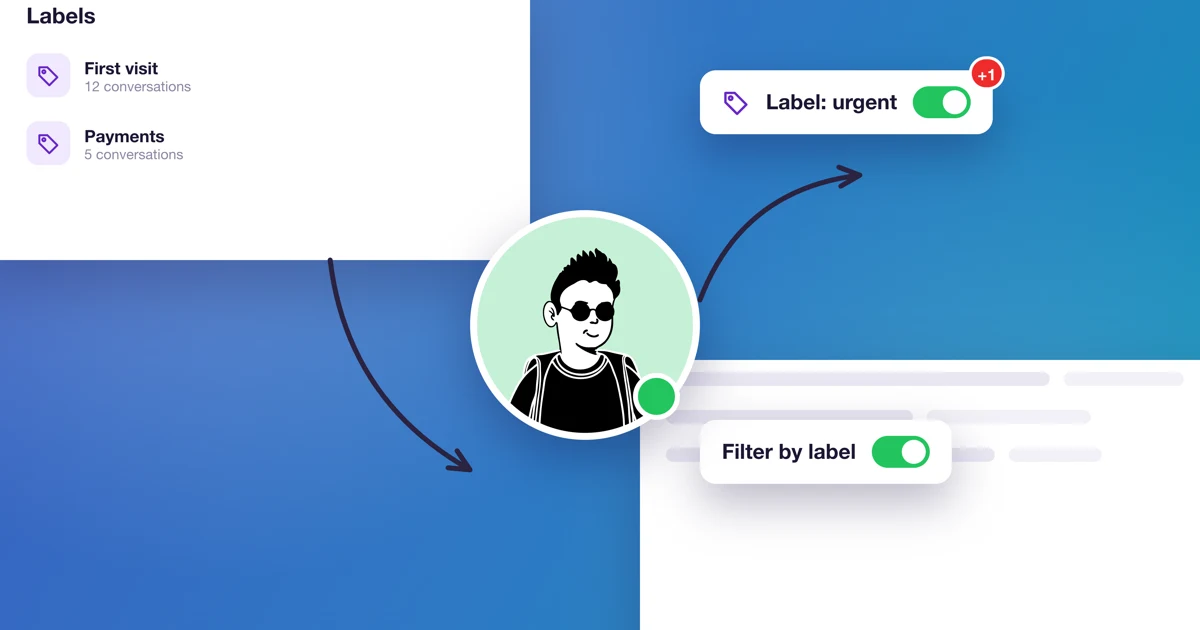
How do I organize conversations with labels and attributes?
How to create labels and add them to conversations, and when and how to add your own fields, called custom attributes.
Read time: 2 minutes
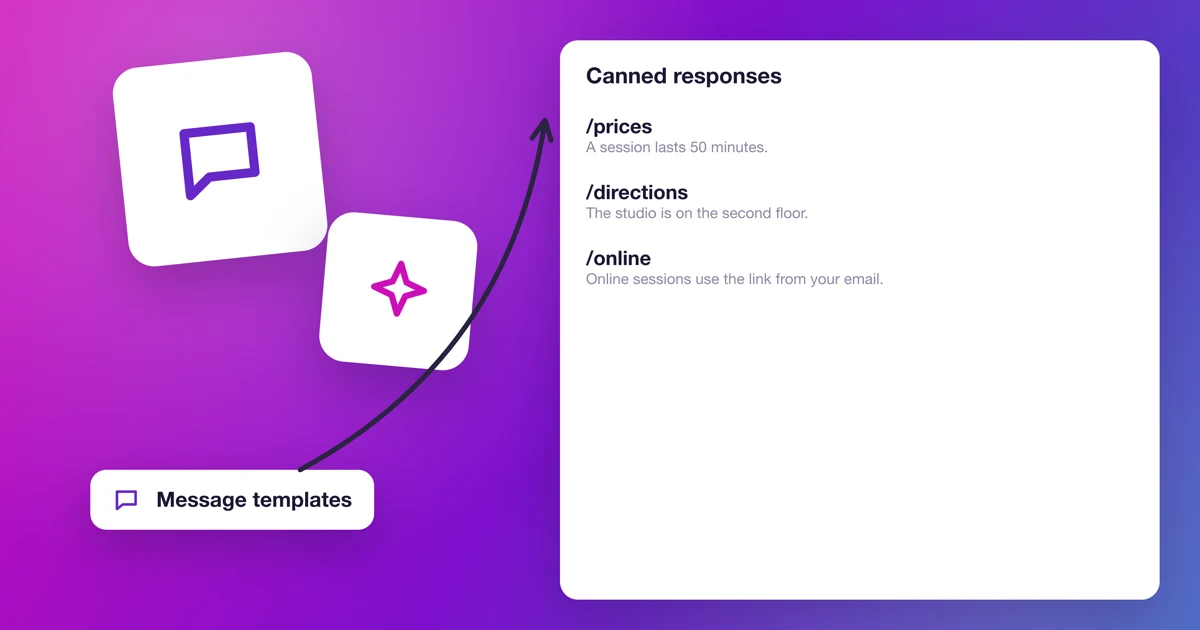
How do I use canned responses in Calendesk Chat?
How to add a reply template, insert the client's name and use the template in a conversation with a slash shortcut. With examples for a practice.
Read time: 3 minutes
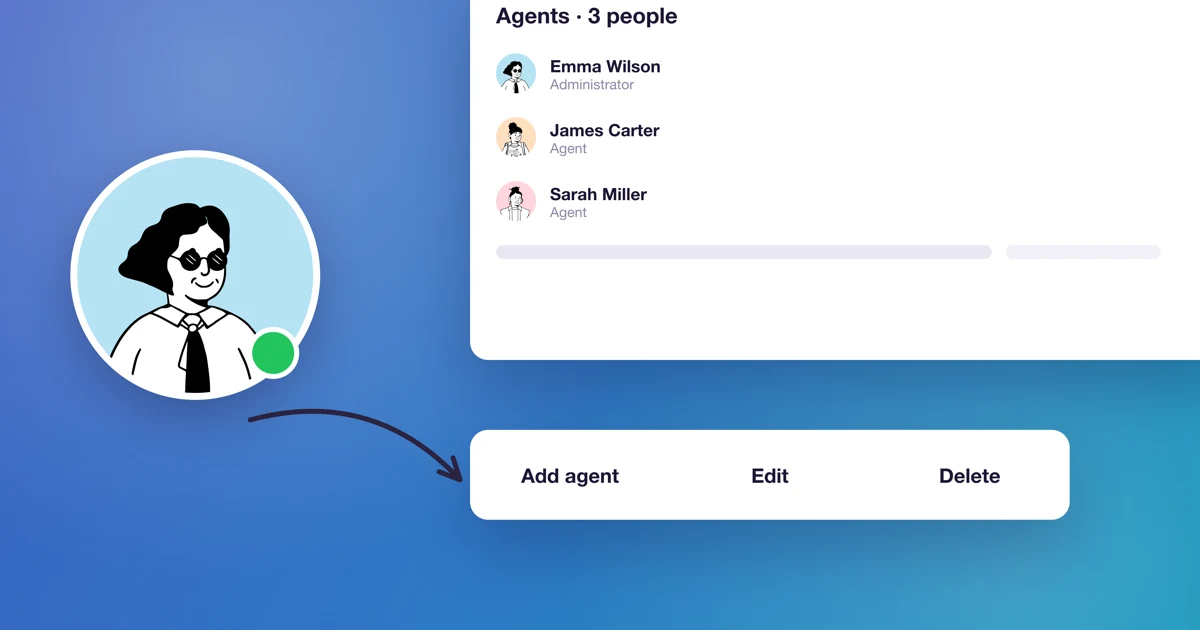
How do I add agents to Calendesk Chat?
Administrator and agent roles, agent slots in the add-on, buying more slots, and inviting, editing and removing agents.
Read time: 3 minutes
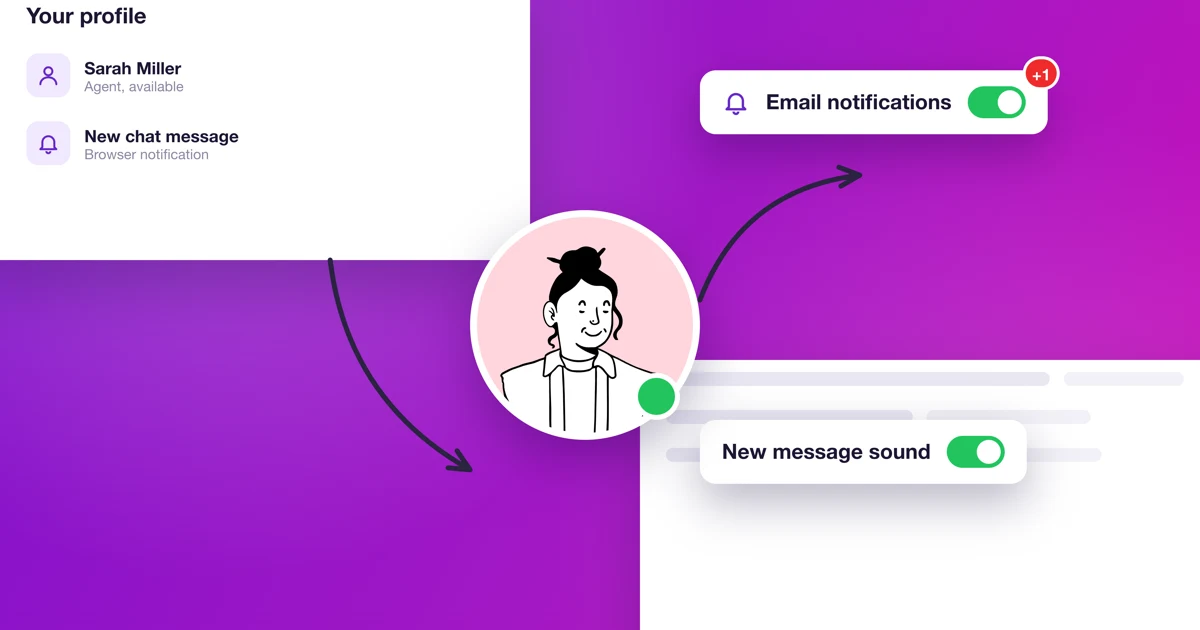
How do I set up my profile and notifications in Calendesk Chat?
An agent's picture, name, signature and password, email, push and audio notifications, and availability status.
Read time: 4 minutes
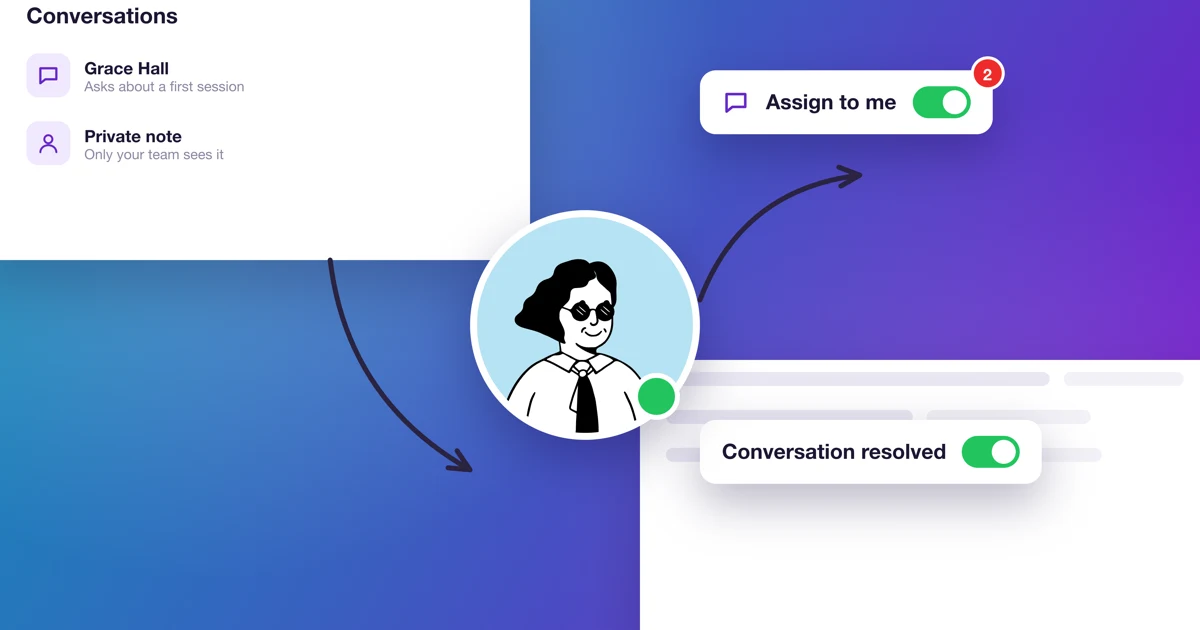
How do I handle conversations in Calendesk Chat day to day?
Replying, private notes, assigning, resolving and snoozing conversations, plus auto-resolving conversations nobody replies to.
Read time: 4 minutes
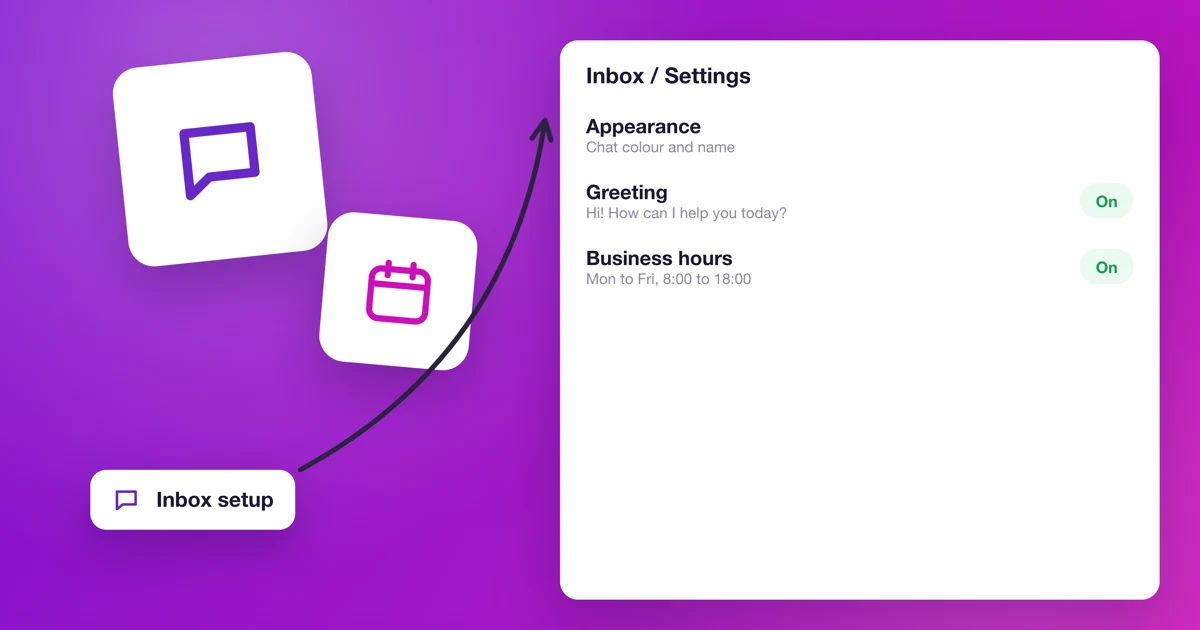
How do I set up the chat's look, greeting and business hours?
Color, greeting, bubble, pre chat form, business hours and the inbox's agents: every setting for the chat window on your website.
Read time: 5 minutes
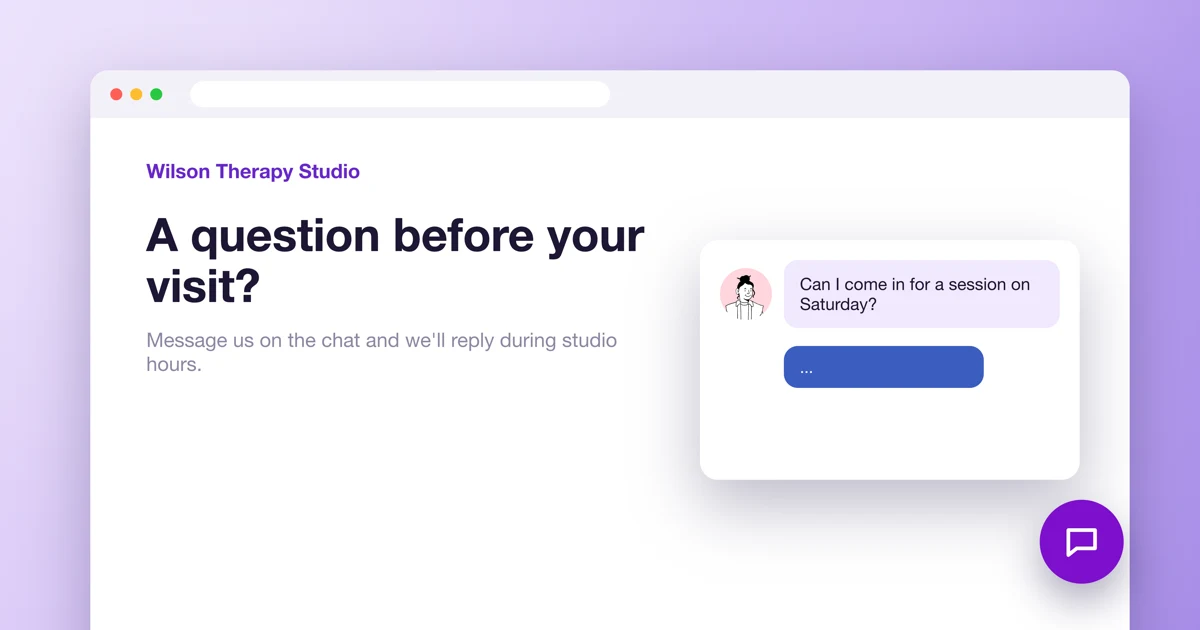
How do I add Calendesk Chat to my website?
How to create an inbox for your website, copy the chat script and paste it into a Calendesk website, Google Tag Manager or any other site, cookie banner included.
Read time: 3 minutes
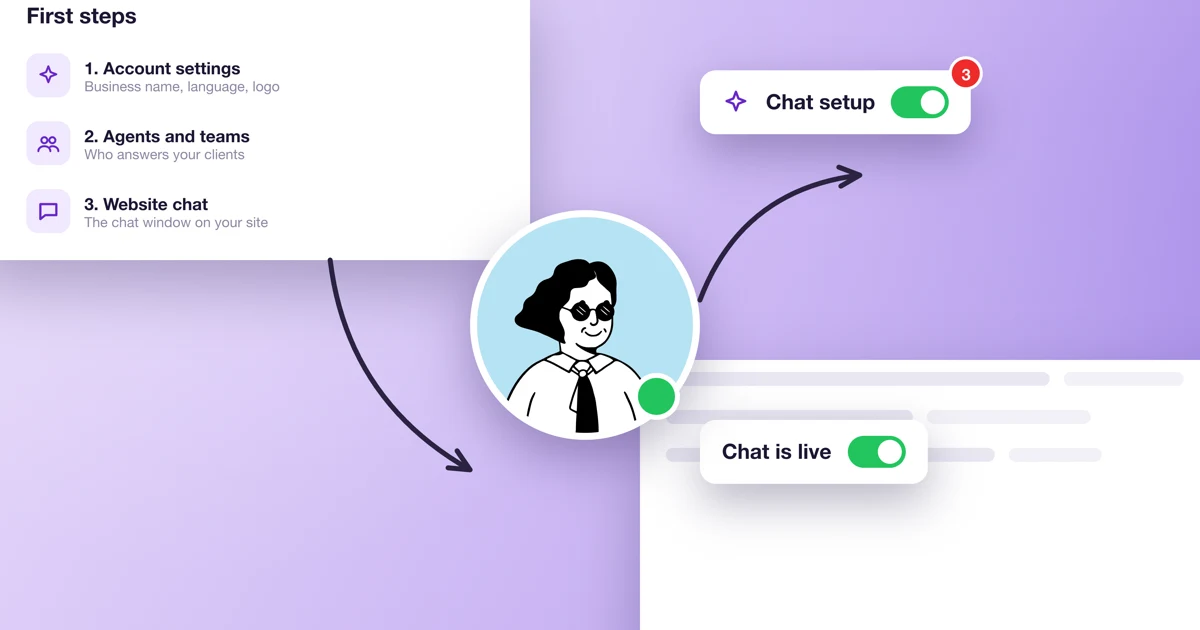
How do I get Calendesk Chat running on my website in 15 minutes?
Five steps from the first login to a test message: the chat dashboard, notifications, an inbox for your website, the script on your site and a test.
Read time: 4 minutes
What is Calendesk Chat and how do I turn it on?
What Calendesk Chat is, who it's for, how per-agent pricing works on the Standard and Pro plans, and how to buy it, set it up and open it from the Calendesk menu.
Read time: 4 minutes
How to add Calendesk Chat to your website with Google Tag Manager?
Add the Calendesk Chat window to your website with Google Tag Manager: chat setup, the script, the tag and publishing.
Read time: 7 minutes
Why can't my customer pay for a booking?
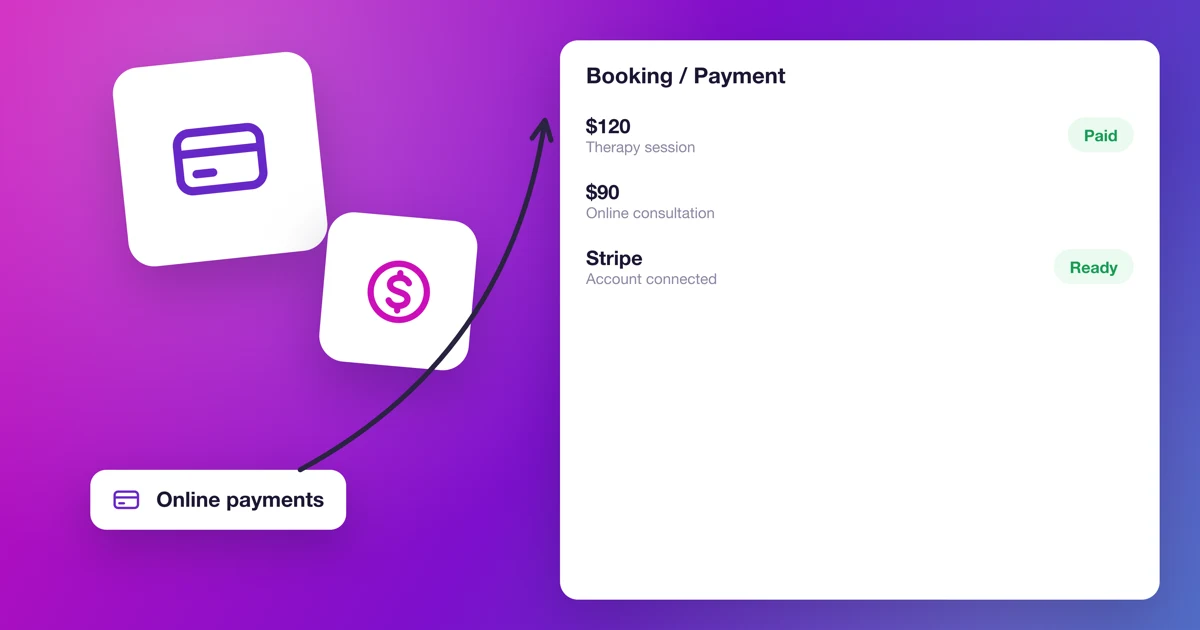
Check your Stripe account, the service's payment settings, the booking status and the customer's browser, and read what each error message on the booking site means.
Read time: 8 minutes
I can't log in to Calendesk. What can I do?
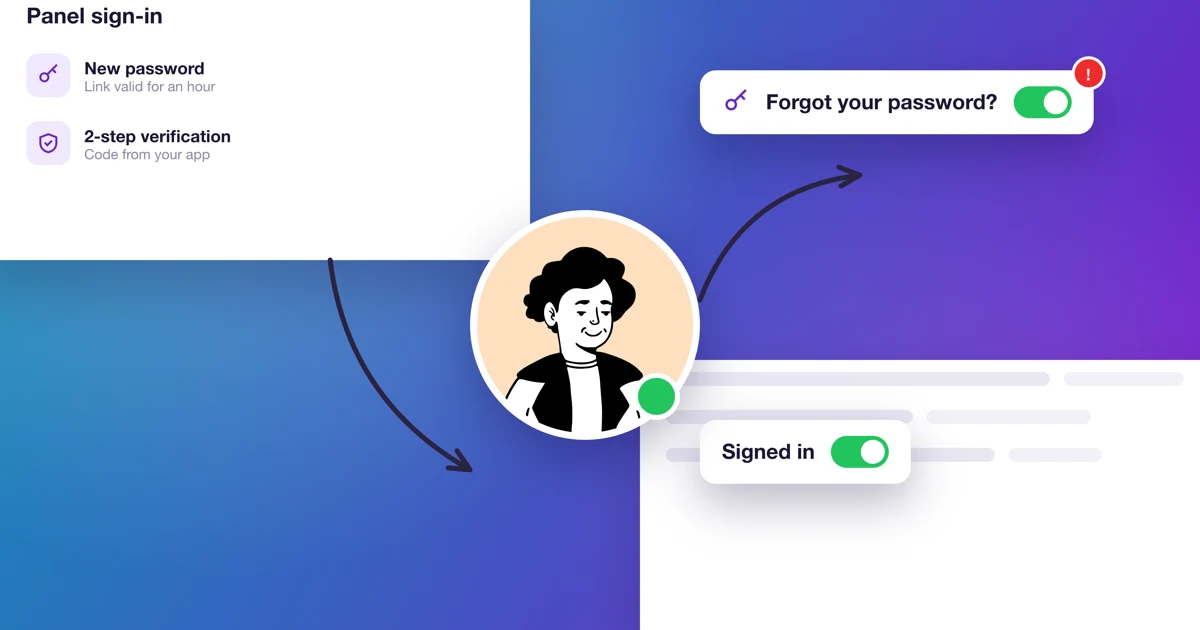
What to do when the Calendesk panel won't let you or an employee in: a new password, employee access, 2-step verification and error messages.
Read time: 2 minutes
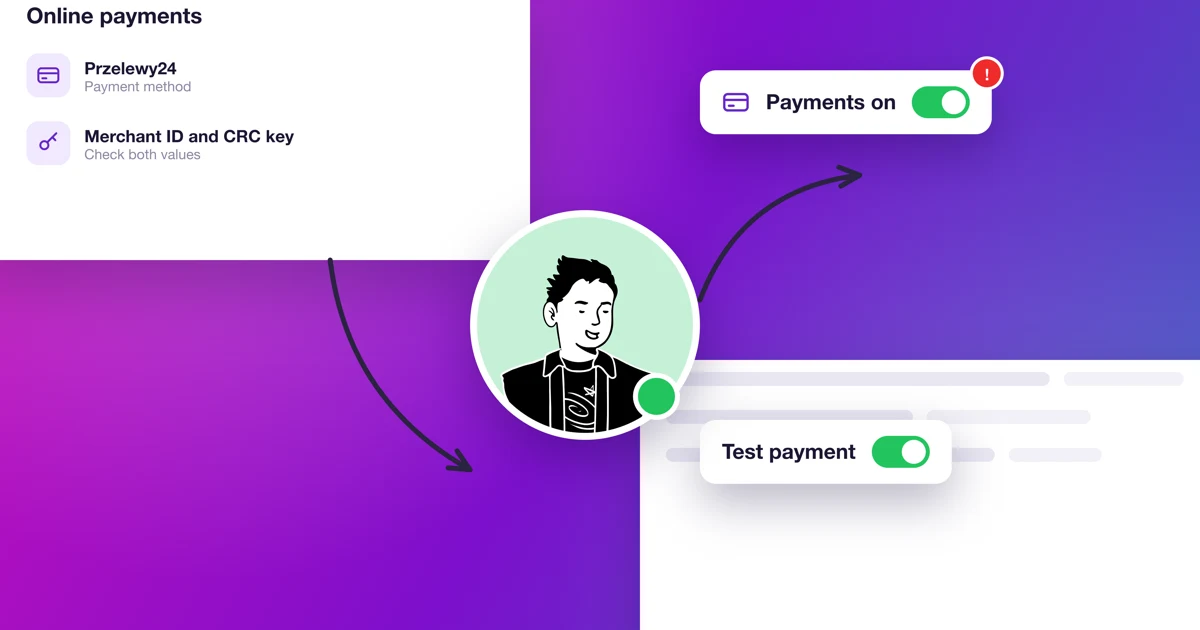
Przelewy24 doesn't work on my account
Przelewy24 can be switched off if your website is missing terms, a privacy policy or company details. Here's what P24 requires and how to get it back through Stripe.
Read time: 9 minutes
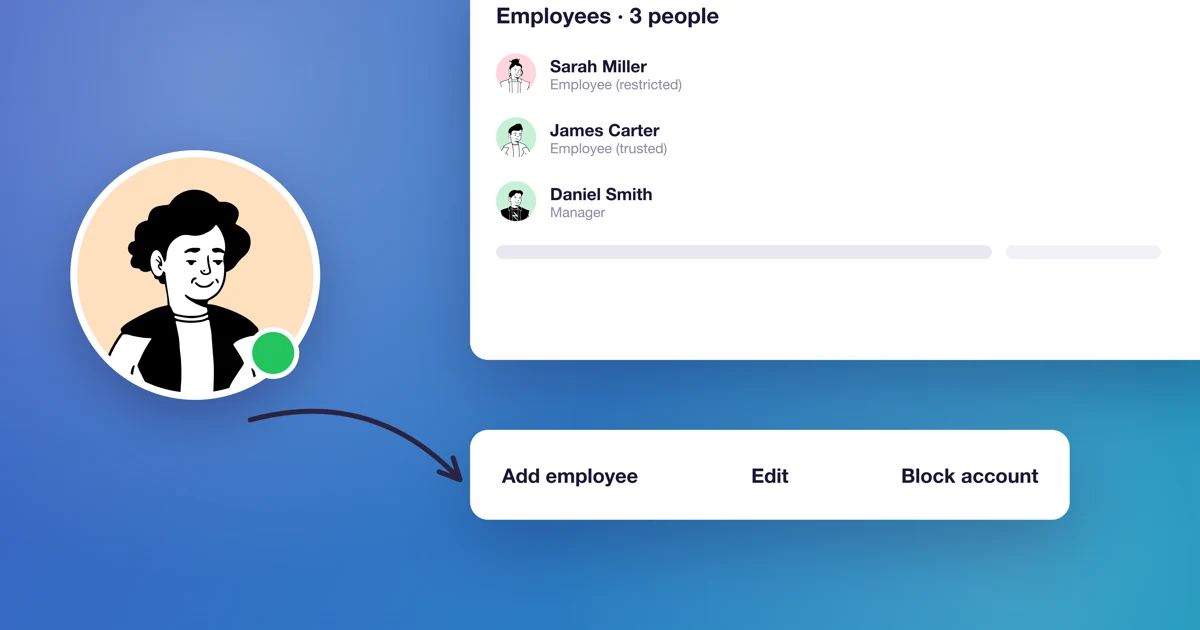
How do I give an employee panel access and permissions?
See what each of the four employee roles can do, how to give panel access and a set-password link, and what happens to bookings when you take access away.
Read time: 3 minutes
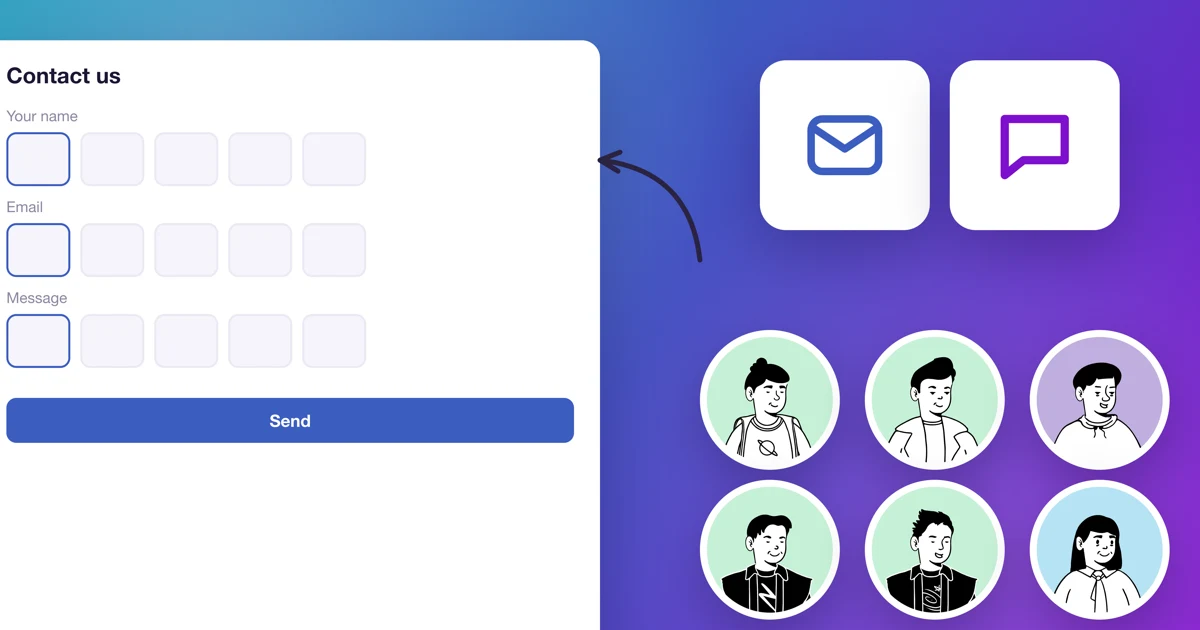
How to add a contact form to your website?
Add a contact form section in the Calendesk website builder, set its fields and decide what happens after a customer sends it.
Read time: 2 minutes
How to change the logo on your website?
Add or change your logo in the Calendesk website builder, decide how it's shown and where it leads.
Read time: 2 minutes
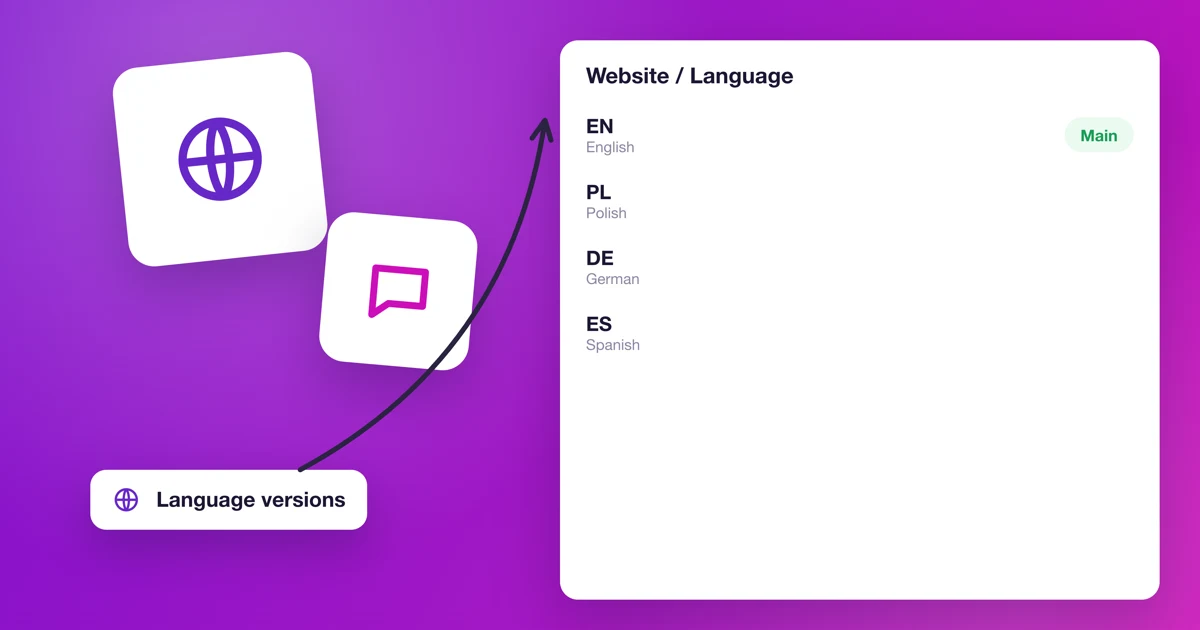
How to add a website and booking calendar in another language?
Build a second Calendesk website in another language and link the two versions with a button.
Read time: 1 minutes
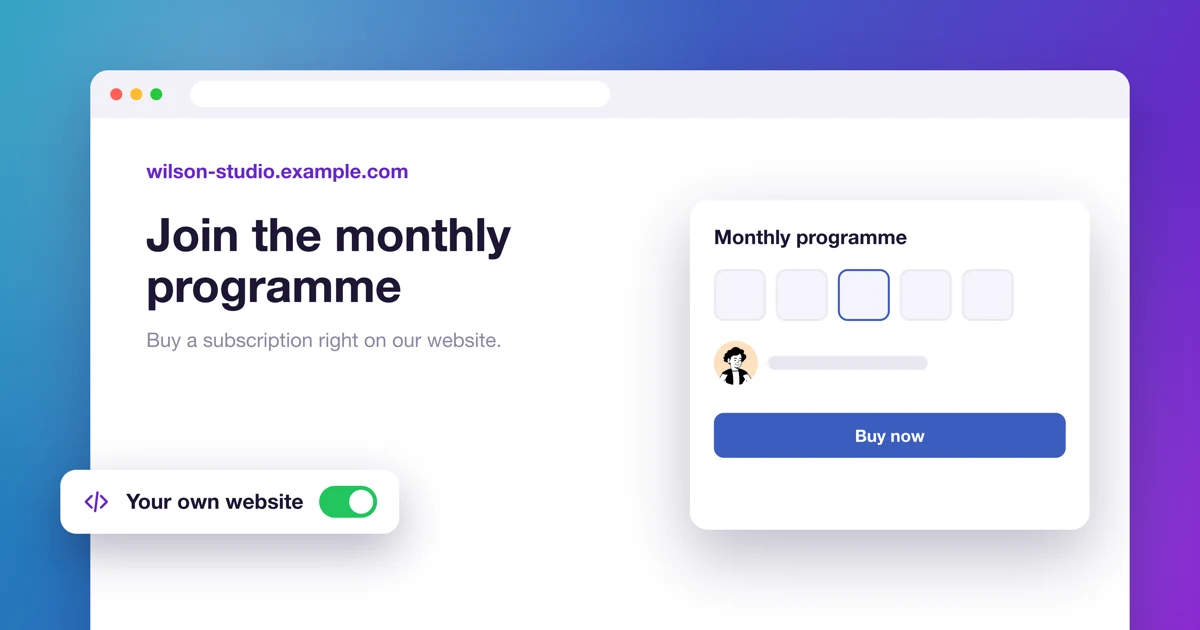
How to sell Calendesk subscriptions on a website built outside Calendesk?
Sell Calendesk subscriptions and packages on your own website with a simple link, and give customers a sign-in page to use them.
Read time: 4 minutes
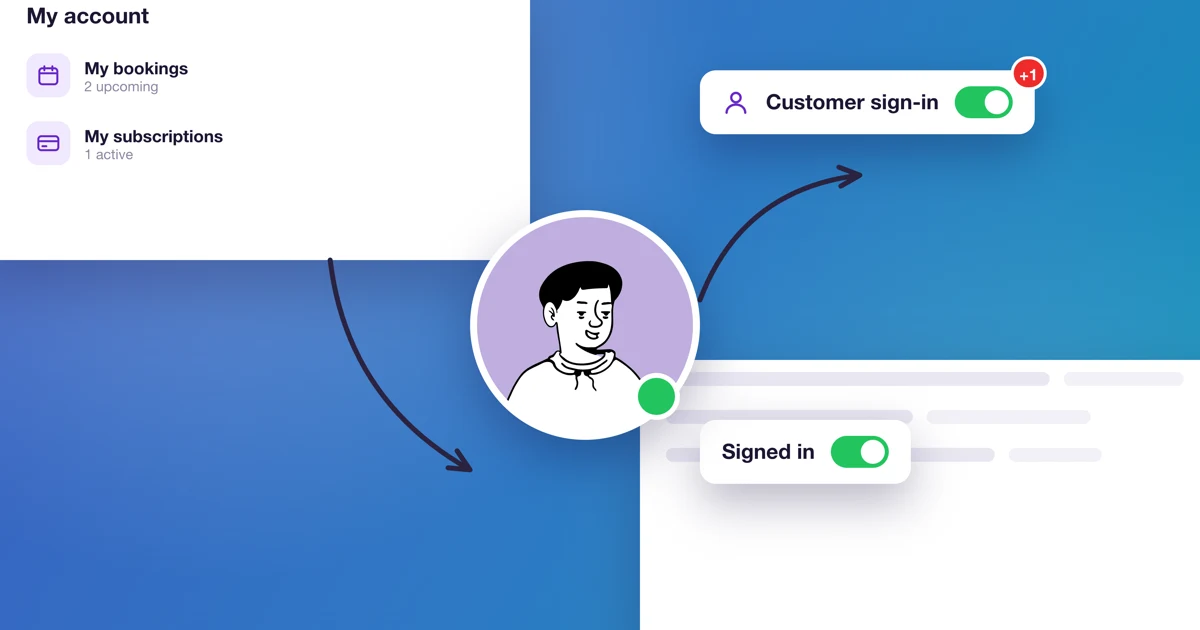
How to create a customer login page?
If your website runs outside Calendesk and you sell Calendesk subscriptions or packages, build a sign-in page so customers can use them.
Read time: 1 minutes
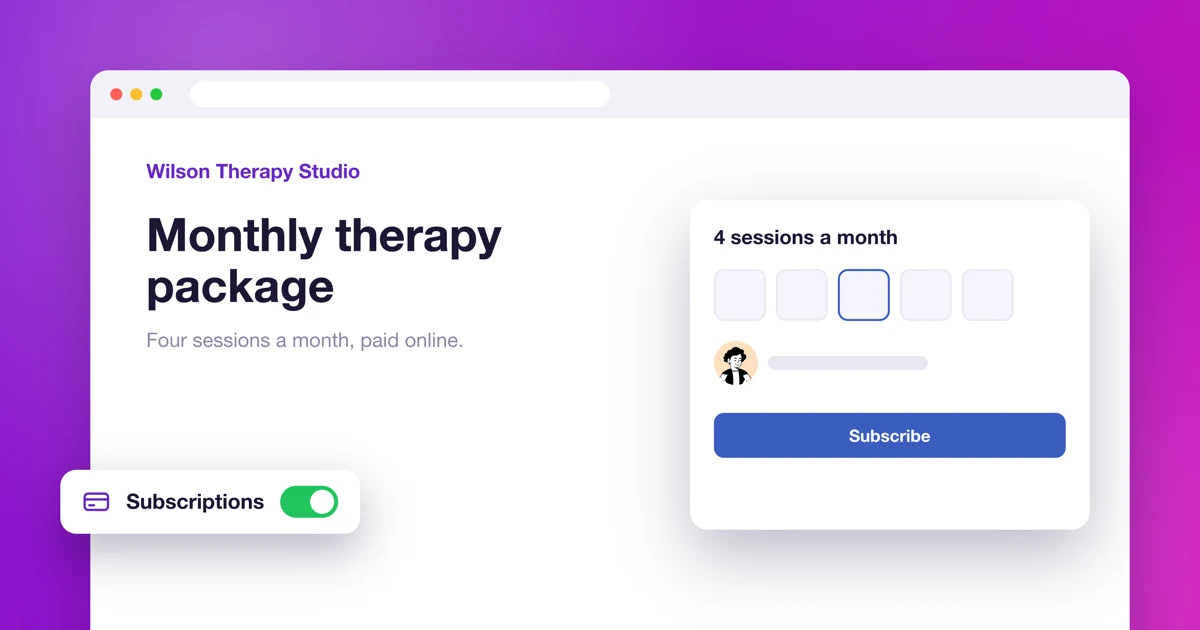
How to sell subscriptions and service packages on your Calendesk website?
Sell your services as subscriptions or packages straight from a website made in the Calendesk website builder.
Read time: 2 minutes
How to send customers online meeting links automatically?
Calendesk can create a Google Meet, Microsoft Teams or Zoom link for each booking and send it to the customer in the confirmation e-mail.
Read time: 2 minutes
How to add a fixed phone button to your website with Google Tag Manager?
Add a phone button that stays visible on every page of your Calendesk website, using a Custom HTML tag in Google Tag Manager.