Calendesk Help Center Articles: Discover how to swiftly begin with Calendesk, covering everything from registration to initial setup.
Read time: 4 minutes
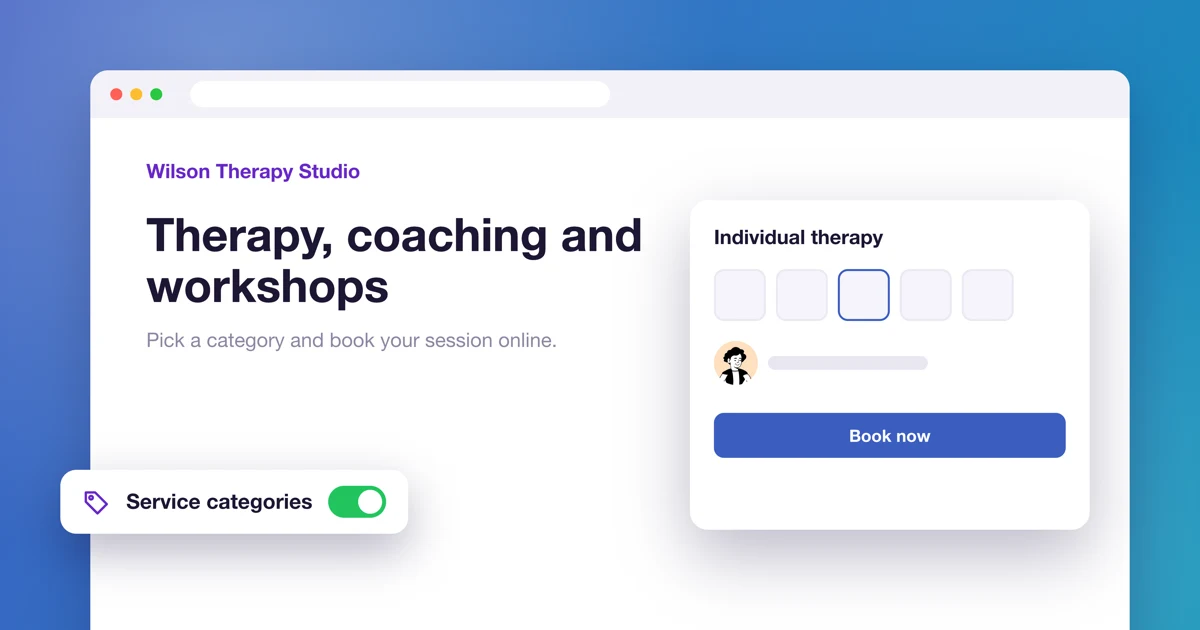
How to create a website with service categories?
Build a website where customers pick a category first and then see a calendar with only the matching services or employees.
Read time: 2 minutes
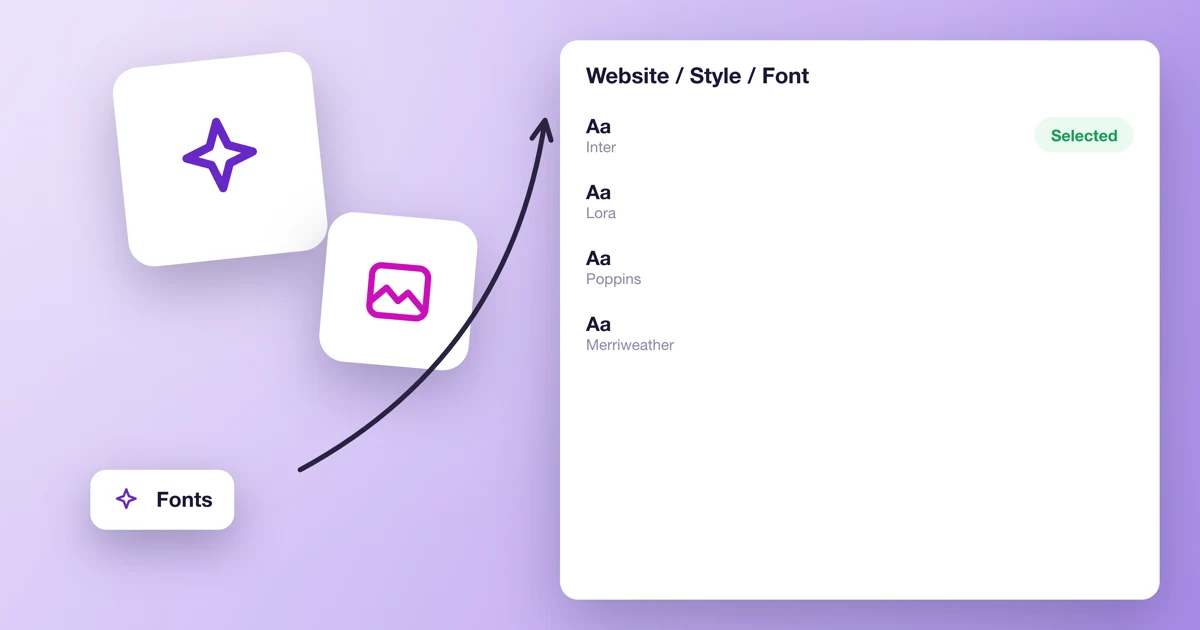
How to change the font on your website?
Use a Google Fonts font on your Calendesk website by pasting a short style block into Custom scripts.
Read time: 2 minutes
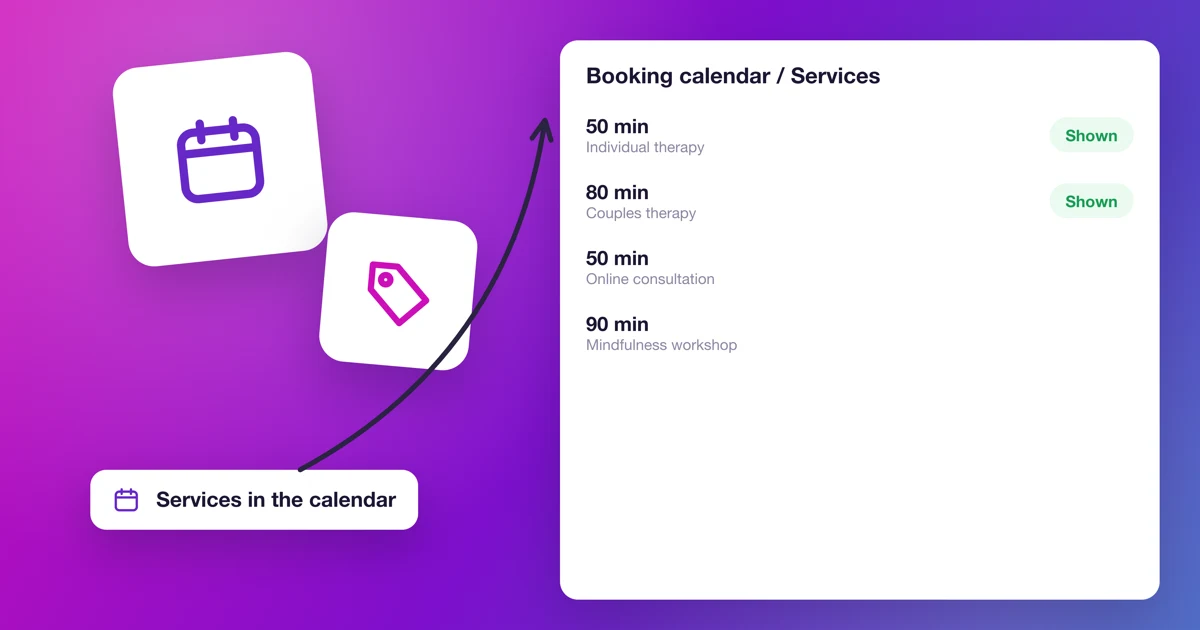
How to choose the services shown in the booking calendar?
Choose which services customers can book in your website's calendar, in the builder or with a URL parameter.
Read time: 4 minutes
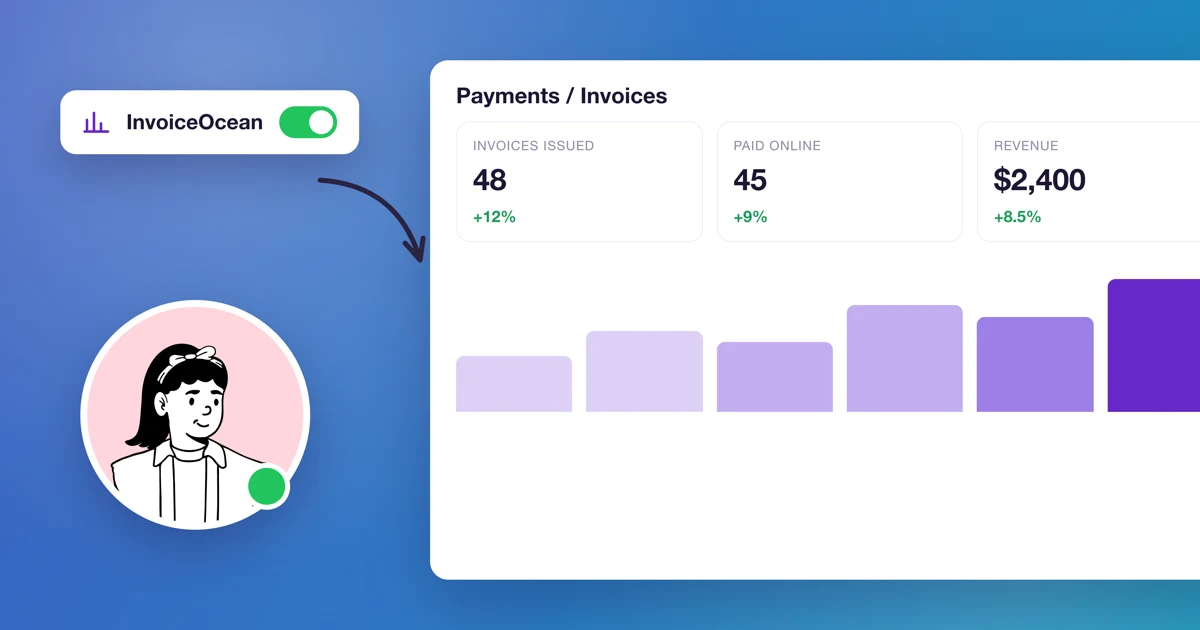
How to connect Calendesk payments with InvoiceOcean (Fakturownia)?
Issue invoices in InvoiceOcean (Fakturownia) automatically after every Calendesk payment: connect the accounts, set billing details, VAT rates and GTU codes.
Read time: 4 minutes
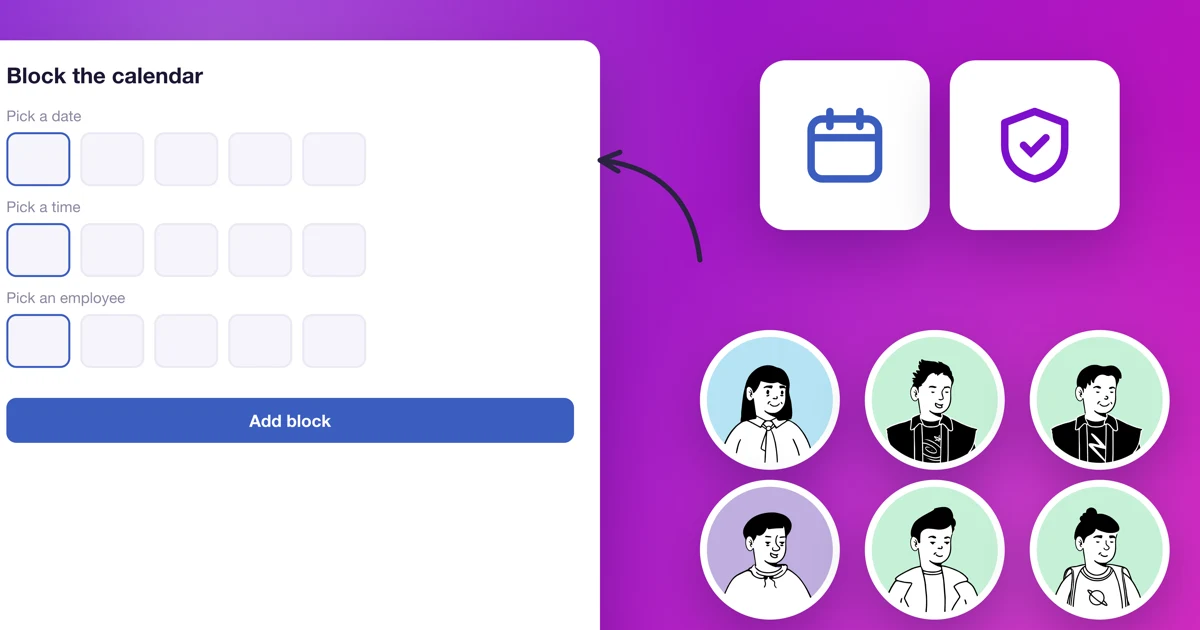
How to block your calendar for customers at a chosen time?
When an employee can't come in, add a blackout date instead of changing their availability schedule. Here's how to add, repeat and edit blackout dates.
Read time: 2 minutes
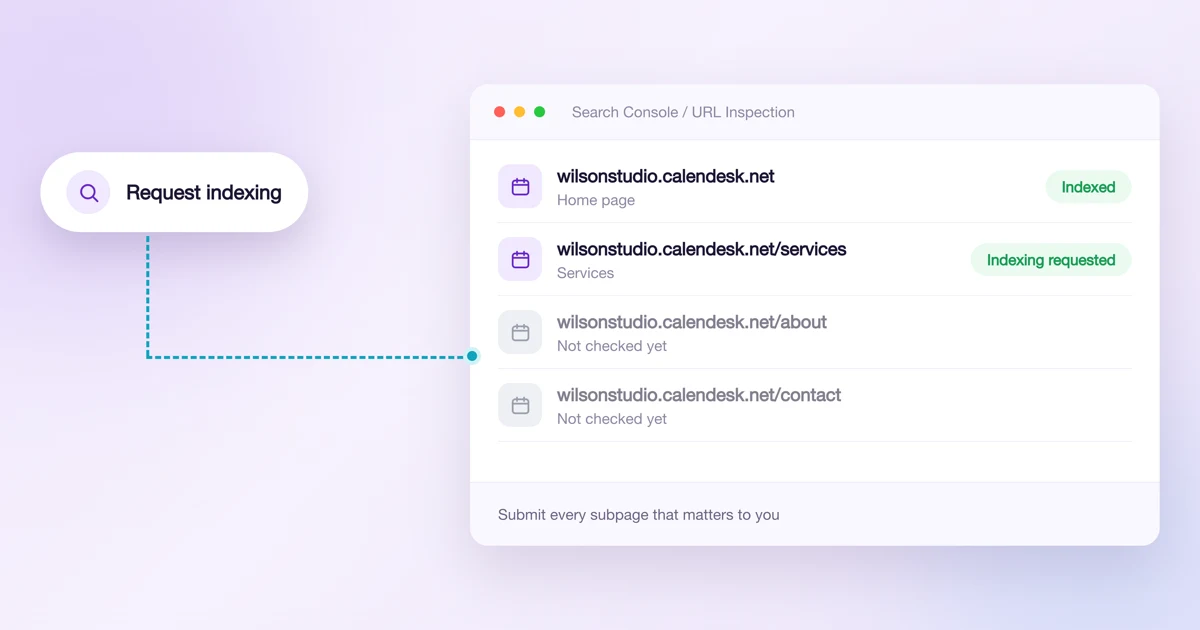
Why isn't my website showing up on Google?
The usual reasons a website or subpage doesn't appear in Google, and how to ask Google to index it with Search Console.
Read time: 4 minutes
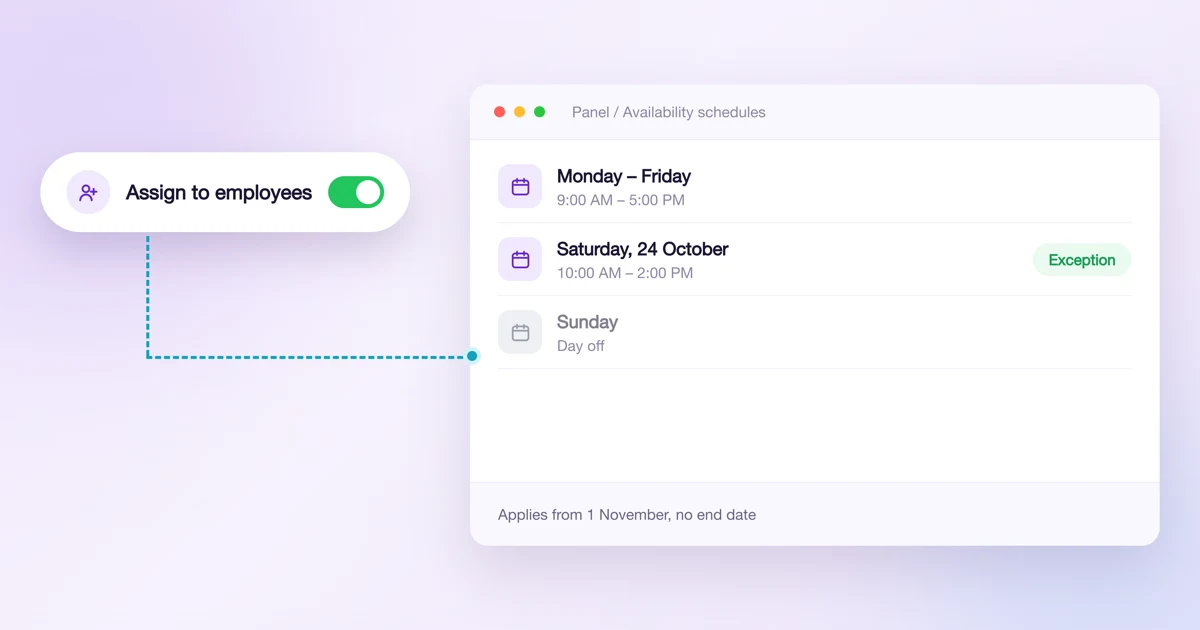
How to manage employee and service availability schedules?
Create availability schedules, add conditions and exceptions, and assign them to employees or services for a set period.
Read time: 4 minutes
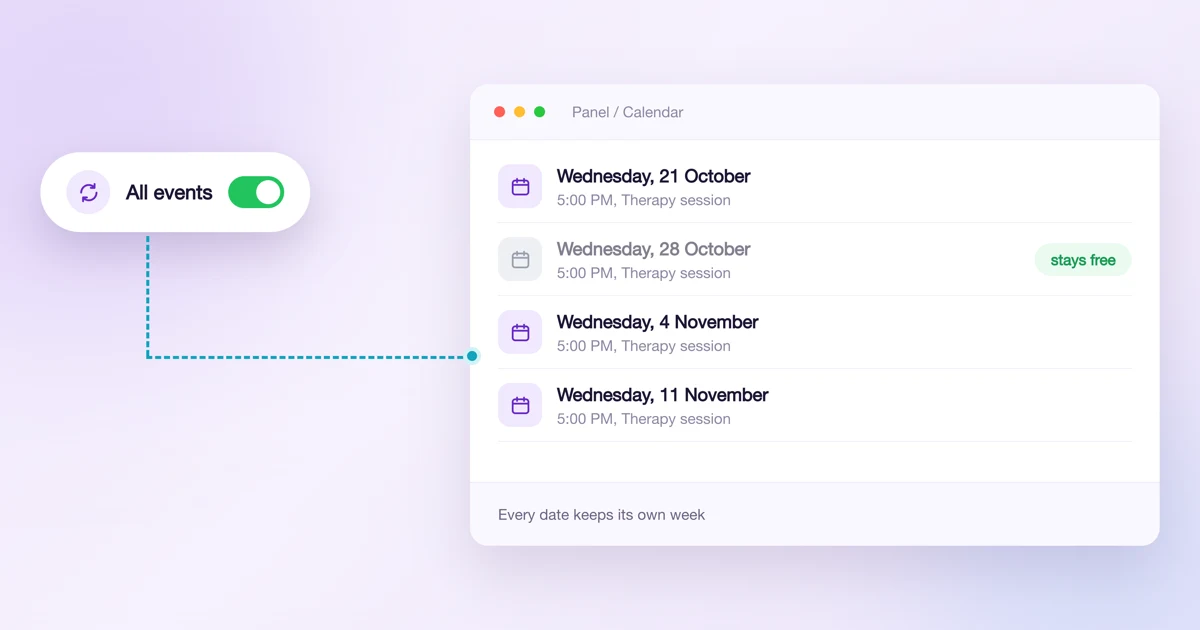
How to edit and delete recurring bookings?
How to change the time, day or service of a whole series, how to shorten it, and what happens to dates you deleted earlier. Also how editing recurring group classes works.
Read time: 7 minutes
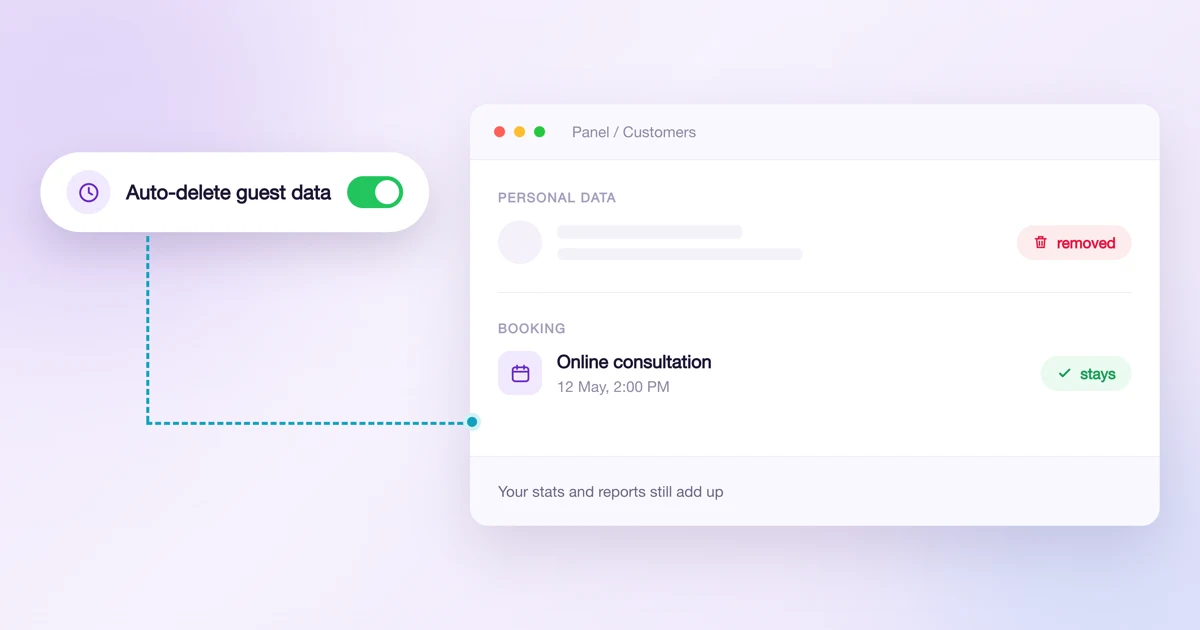
Privacy: automatic deletion of customer data, account history and passwords
Set it once and Calendesk deletes the data of people who booked without an account every night. See exactly what goes, who is never deleted, and where to get the log for your data protection officer.
Read time: 9 minutes
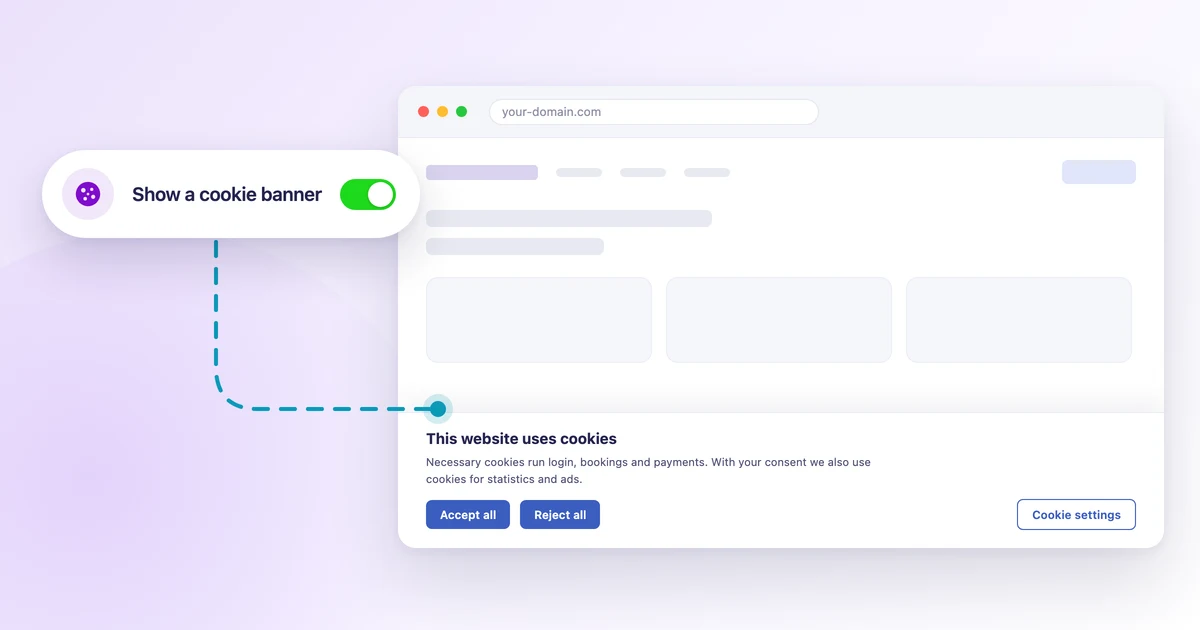
How to add a cookie banner to your website?
Add a cookie banner to your Calendesk website: visitor consent, categories, Google Tag Manager and custom scripts. Ready texts and one tick.
Read time: 8 minutes
Calendesk MCP: connect your AI assistant to Calendesk
One server, many assistants. Connect Calendesk to ChatGPT, Claude or any MCP-compatible client and manage your bookings, customers and statistics simply by chatting.
Read time: 6 minutes
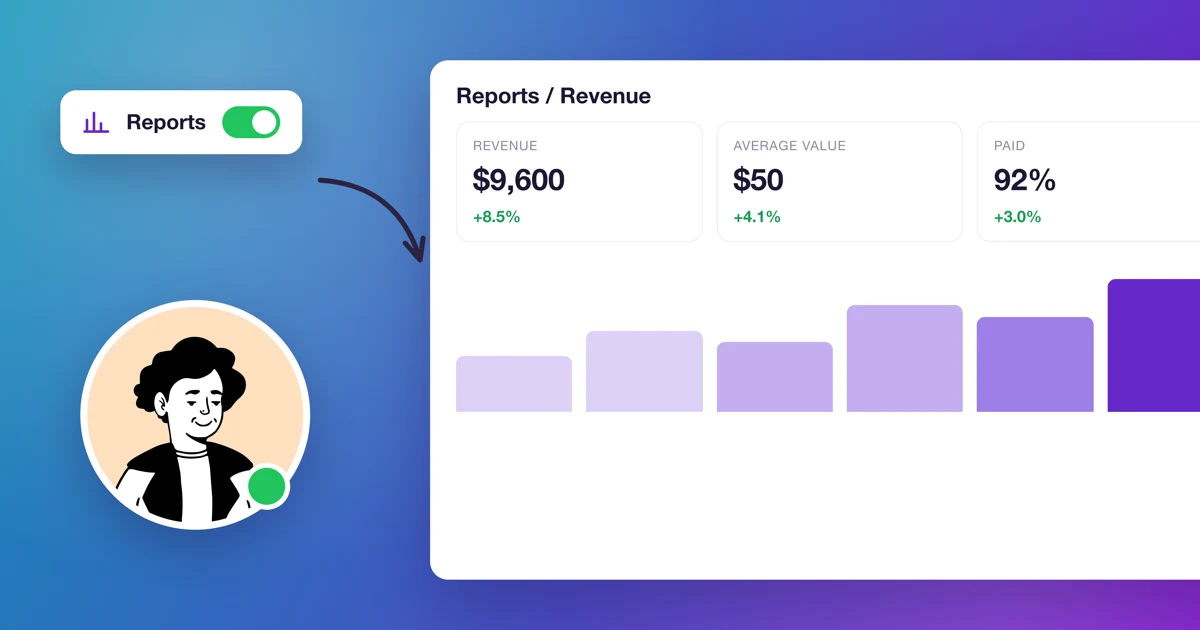
Reports in Calendesk – a new section for your business analytics
We have brilliant news for all Calendesk customers! We've introduced an entirely new section in the admin panel – Reports – which lets you view your business through the lens of numbers, trends and specific metrics. As a result, you can see in one place how your company is growing, which clients are coming back, which services sell best and when your team is actually working.
Read time: 8 minutes
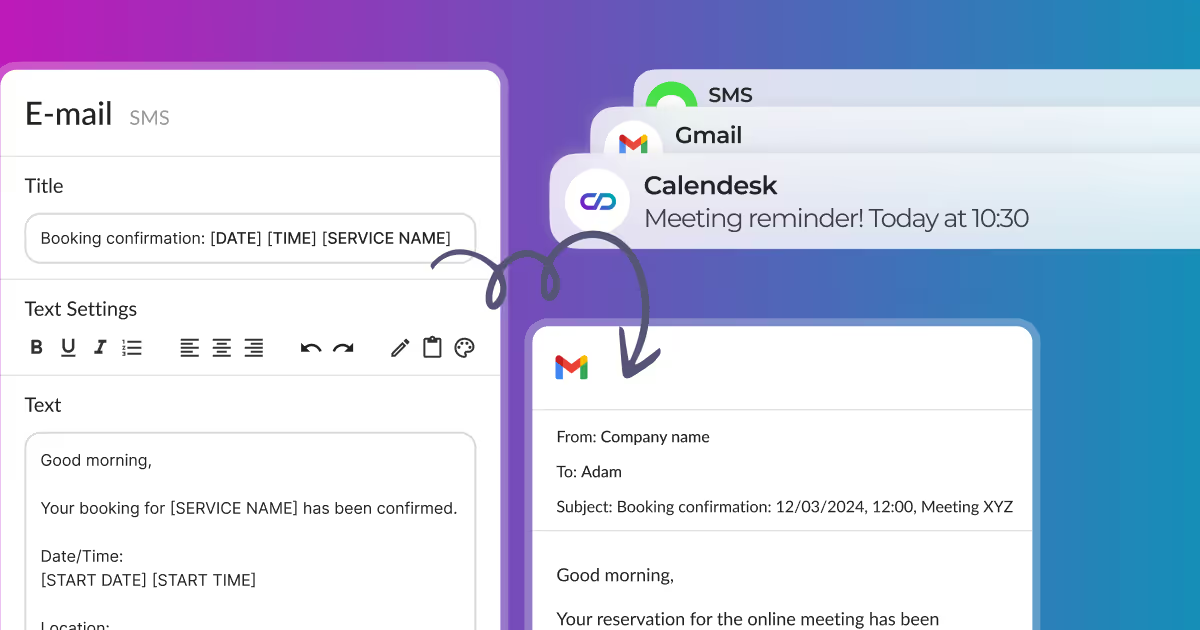
How can I edit email, SMS, and push notifications?
Which notifications Calendesk sends, how to turn them on or off, when reminders go out and how to change the text of emails, text messages and push notifications.
Read time: 3 minutes
How to change contact details and company name?
Learn how to configure your Calendesk account for contact details and company name. Provide your clients with accurate information easily.
Read time: 3 minutes
How to change my account password and details?
After clicking Additional options in the employee profile, as shown in the image below, you can change the basic details of your account, such as:
Read time: 2 minutes
Where can I find invoices for Calendesk services?
Learn how to add a payment method and find tax invoices for your Calendesk services. This article provides step-by-step instructions and visual guides.
Read time: 3 minutes
How to add a service?
In the Offer – Services section, you can add a new service that your customers can use. You can add it using the Add a Service button.
Read time: 4 minutes
How to acces and manage services?
Access and manage your services in Calendesk. View your added services in the Offer – Services tab within the Calendesk panel.
Read time: 2 minutes
Scrolling to an anchor on a landing page created in Calendesk.
If you are building a landing page and want header tabs to redirect customers to specific sections, this guide shows you how to scroll to an anchor in Calendesk.
Read time: 2 minutes
Where can I find the messages sent to customers?
The Notifications - Activity tab in Calendesk allows you to check if the system has sent a notification or reminder to a client or staff member.
Read time: 4 minutes
How to pre-fill your booking form using URL parameters?
Pre-fill your booking form with client details using URL parameters for a smoother booking process with Calendesk.
Read time: 2 minutes
How to delete your account in Calendesk?
How to delete your account in Calendesk? Deleting your Calendesk account depends on your type of association with us. We prioritize your data privacy and security.
Read time: 2 minutes
What are activity logs and where to find them?
Activity logs, in simple terms, are like a computer's or a booking system's journal. They record some of the actions that have taken place in the system.
Read time: 2 minutes
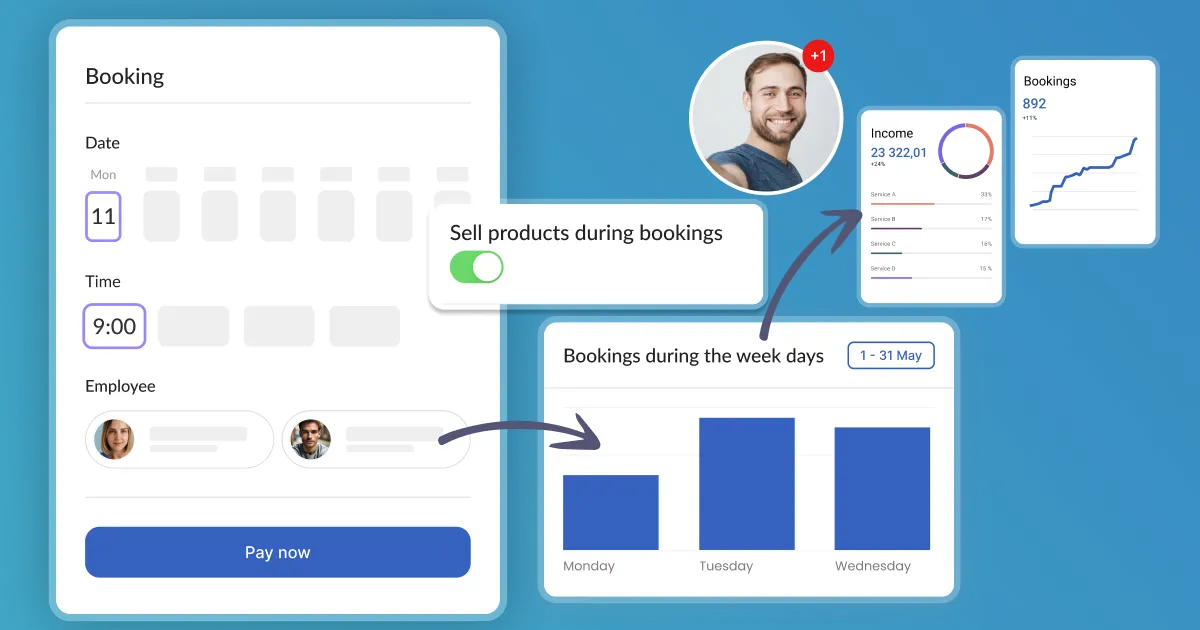
How can I customize services with an upselling description?
At Calendesk, gain more control over your customer experience by customizing services with our powerful Upselling descriptions.

Read time: 2 minutes
How can I integrate BlogHandy with Calendesk?
Integrate BlogHandy with Calendesk to run a blog seamlessly on your website. BlogHandy is an easy-to-use external blogging tool.
Read time: 2 minutes
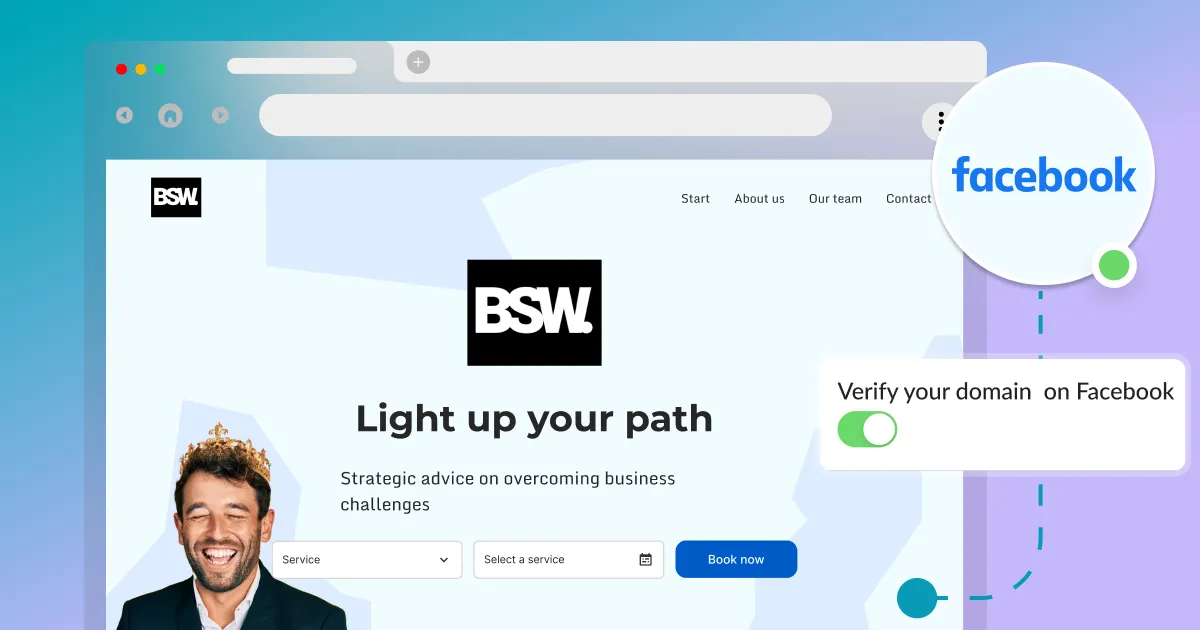
How to verify a domain on Facebook?
Verify your domain on Facebook with this short guide. Essential if you use Facebook Business Manager and Facebook Ads to ensure proper functionality.
Read time: 2 minutes
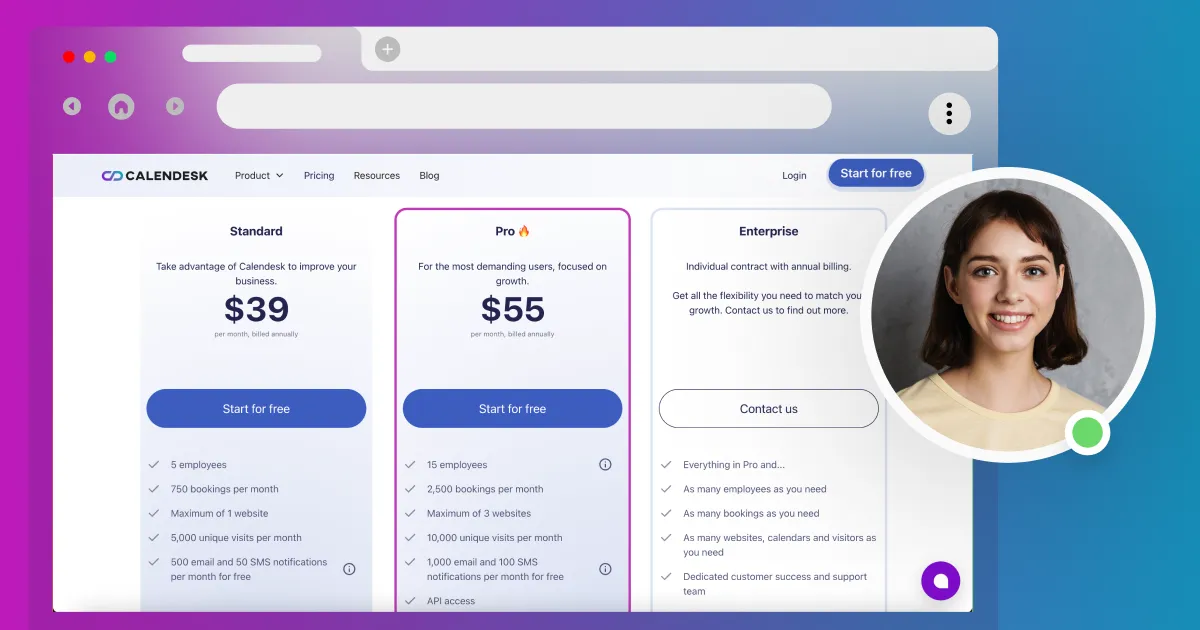
How can I manage my Calendesk subscription?
Change your Calendesk plan, pick add-ons or cancel. See how upgrades are charged and what happens to your data.
Read time: 3 minutes
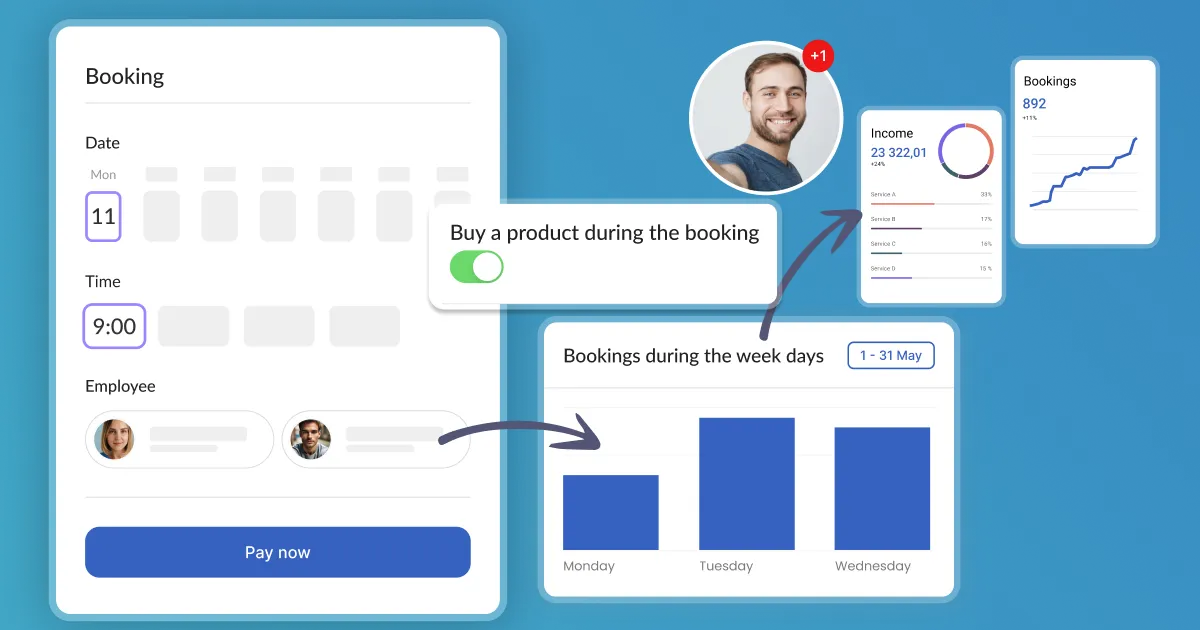
How can I integrate upselling during the booking process to increase sales?
Upselling is a sales technique that encourages a customer to buy a more expensive product or service or add additional features or functions. For companies, it's a great way to increase revenue.
Read time: 1 minutes
How to connect to Calendesk using RESTful API?
Learn how to generate an API Key for Calendesk. Sign in to your Calendesk Admin Panel, click Integrations, and select Account Integrations to connect via RESTful API.
Read time: 2 minutes
How to use Calendesk with Zapier?
Connect Calendesk with over 5,000 integrations! Zapier allows you to create chains of connections and automation between seemingly unrelated applications.