How to change the currency?
You can take Stripe payments in Calendesk in 44 currencies. Which of them you can actually use depends on Stripe and on the country of your Stripe account.
Stripe decides which countries and currencies it supports, and that list changes over time. Check the current one in Stripe’s list of supported countries.
The currencies you can choose in Calendesk:
- Australian Dollar (AUD)
- Bulgarian Lev (BGN)
- Burundian Franc (BIF)
- Brazilian Real (BRL)
- Canadian Dollar (CAD)
- Swiss Franc (CHF)
- Chilean Peso (CLP)
- Czech Koruna (CZK)
- Djiboutian Franc (DJF)
- Danish Krone (DKK)
- Euro (EUR)
- British Pound (GBP)
- Guinean Franc (GNF)
- Hong Kong Dollar (HKD)
- Hungarian Forint (HUF)
- Israeli New Sheqel (ILS)
- Indian Rupee (INR)
- Japanese Yen (JPY)
- Comorian Franc (KMF)
- South Korean Won (KRW)
- Malagasy Ariary (MGA)
- Mexican Peso (MXN)
- Malaysian Ringgit (MYR)
- Norwegian Krone (NOK)
- New Zealand Dollar (NZD)
- Philippine Peso (PHP)
- Polish Złoty (PLN)
- Paraguayan Guarani (PYG)
- Romania Leu (RON)
- Russian Ruble (RUB)
- Rwandan Franc (RWF)
- Swedish Krona (SEK)
- Singapore Dollar (SGD)
- Thai Baht (THB)
- New Taiwan Dollar (TWD)
- Ukrainian Hryvnia (UAH)
- Ugandan Shilling (UGX)
- United States Dollar (USD)
- Vietnamese Dong (VND)
- Vanuatu Vatu (VUV)
- CFA Franc BEAC (XAF)
- CFA Franc BCEAO (XOF)
- CFP Franc (XPF)
- South African Rand (ZAR)
Your Stripe account decides which of these currencies you can accept, mostly based on the country of the bank account linked to it.
How to change the currency in Calendesk?
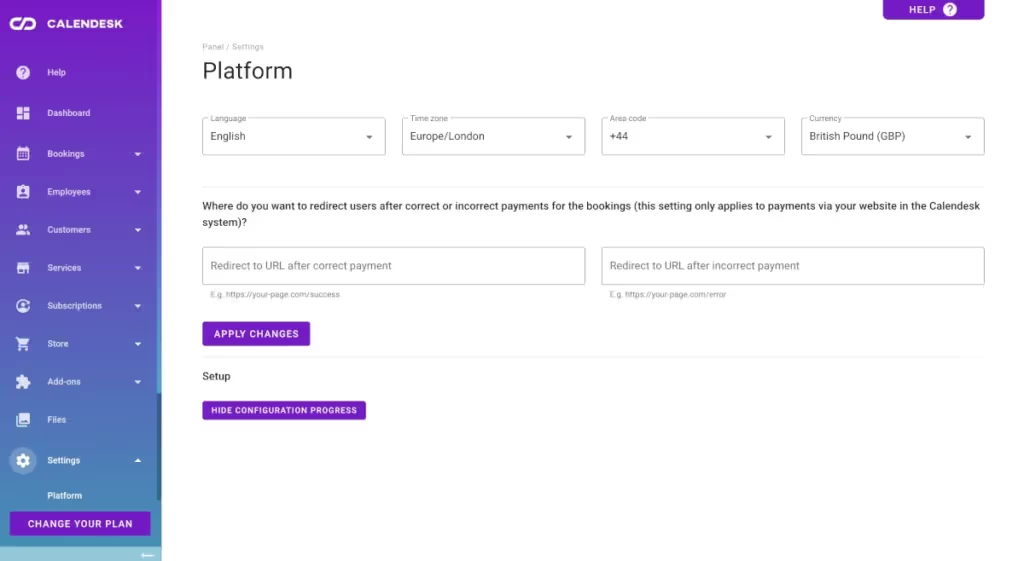
Please go to the Calendesk Admin Panel and select the “Settings / Platform” tab.
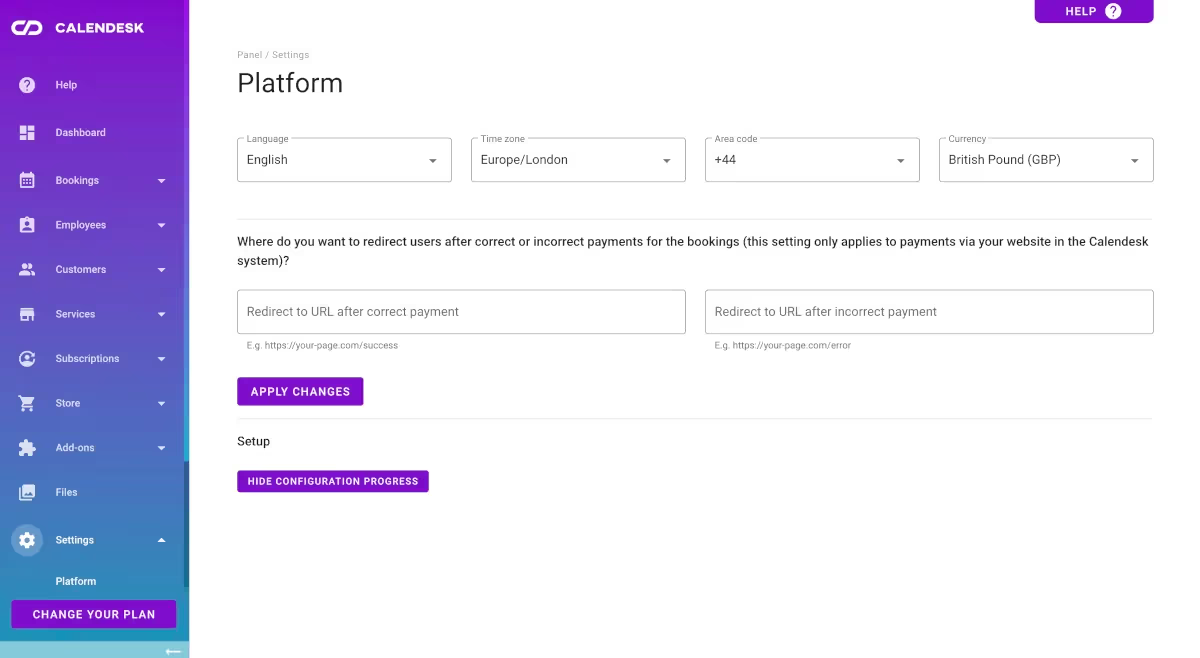
Important: changing the currency does not convert your prices. Set it before you take your first payments. If you change it later, check the prices of your services, products and subscriptions yourself.