Calendesk vs Google Calendar: Comparison of Top Scheduling Tools
Which one is a better scheduling solution for you? Calendesk or maybe Google Calendar?


Compare Calendesk and Google Calendar Websites
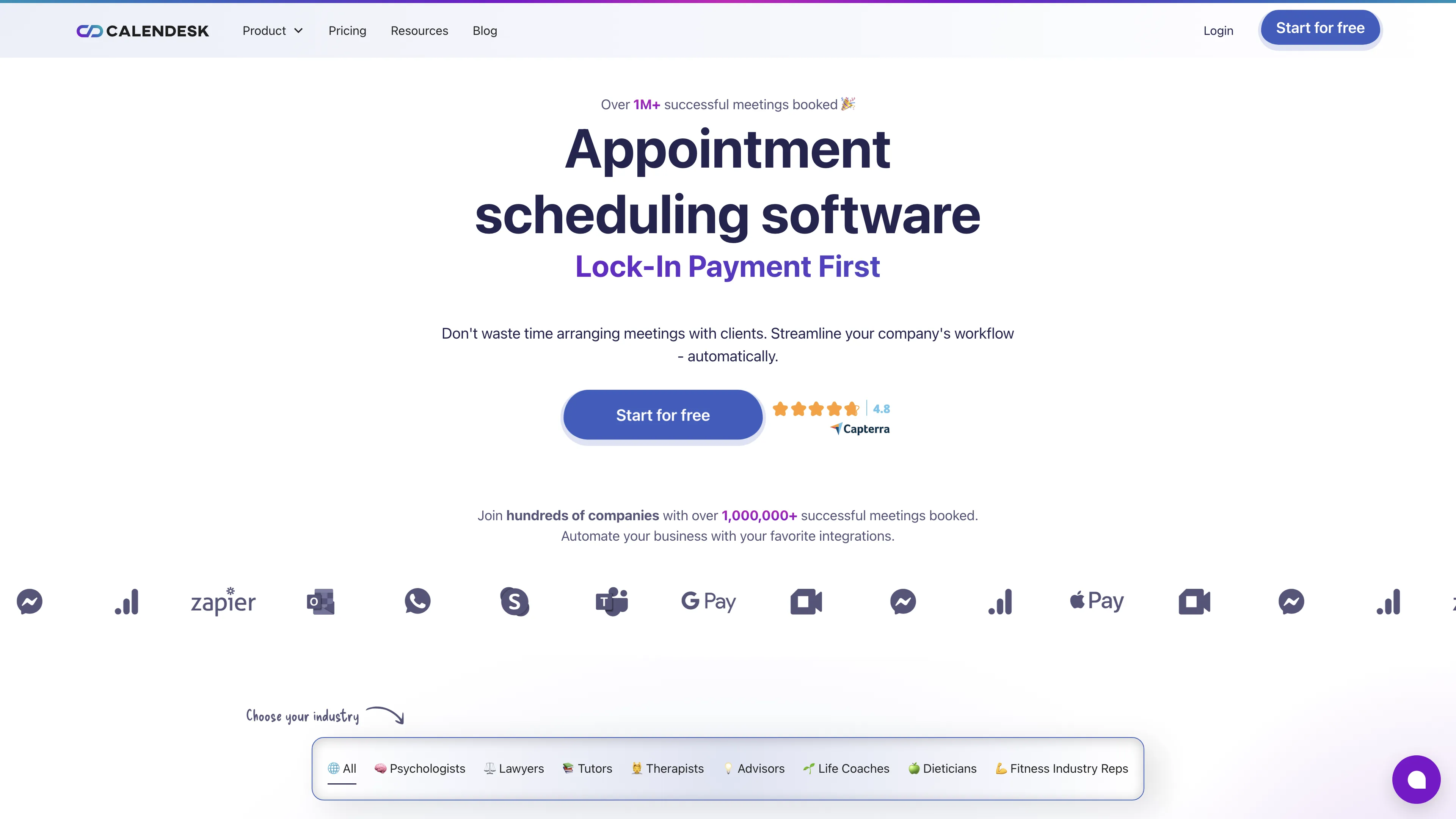
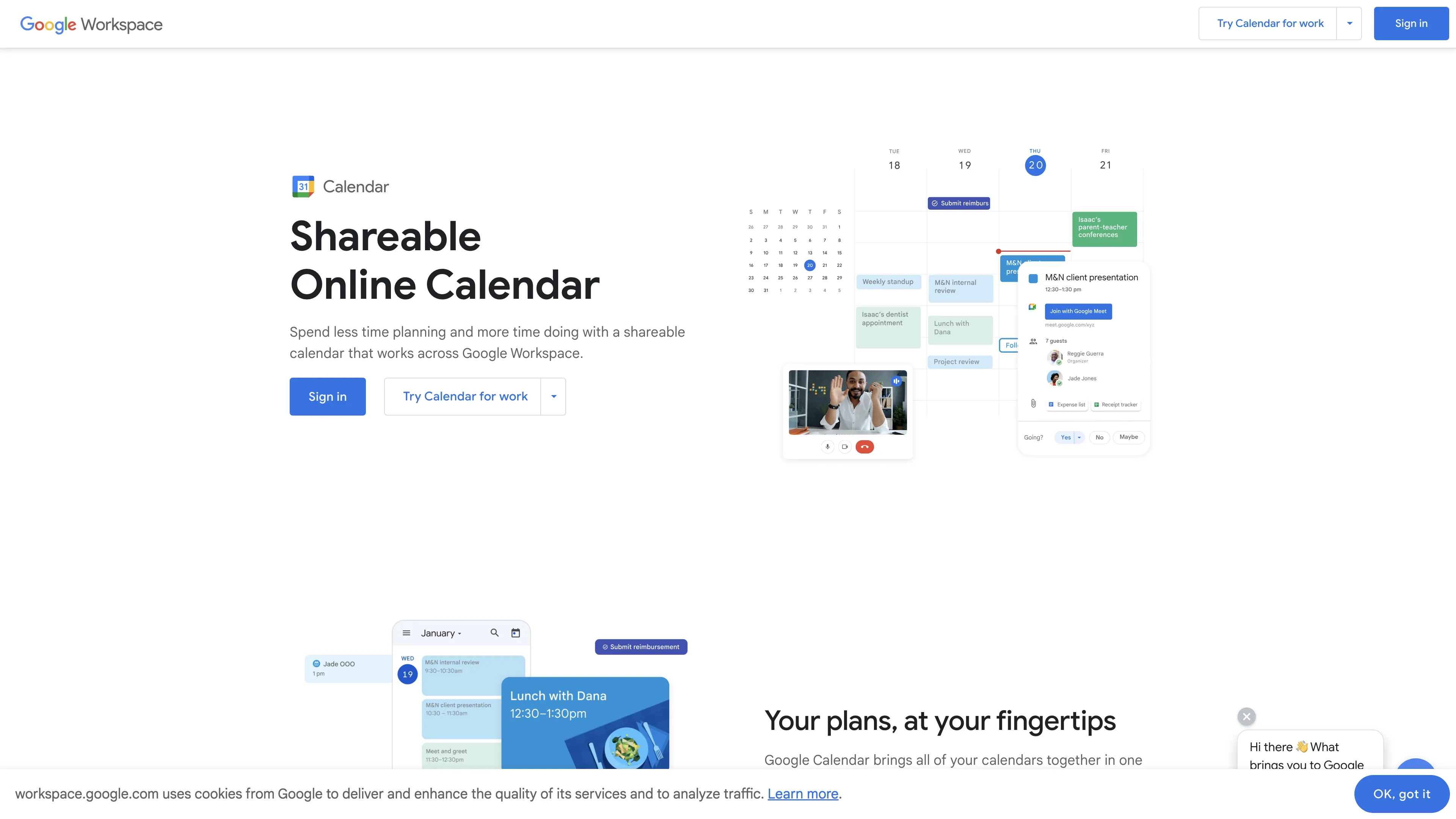
Watch and Compare Calendesk and Google Calendar Promo Videos on YouTube.
Main Points to Consider for Calendesk vs Google Calendar
Calendesk has a rating of 4.8, while Google Calendar has a rating of 4.5. The Calendesk Standard plan costs $15.80 monthly, per user, compared to Google Calendar's $12 monthly, per user. Compare Calendesk and Google Calendar features based on collected data and real user reviews that highlight their possibilities, issues, customer service, and value for money.
Key consideration for Calendesk: Calendesk is a comprehensive and highly customizable scheduling platform designed for businesses, supporting mobile apps for both customers and employees, offering extensive integration options, and emphasizing security with GDPR compliance.
Key consideration for Google Calendar: Google Calendar offers excellent scheduling management and integration with other Google apps, but has issues with event creation, integrating multiple email addresses, and limited task color customization.

User Reviews
What Are Users Saying About Calendesk?
[...] Easy of use, quality of products and a very good support.
[...] It is like having the help of 10 secretaries in one software.
[...] All the functionalities I need have been gathered in one place and the customer service has unimaginable patience, is very helpful, effective and fast-acting.
[...] Simplifies the appointment booking process, reduces stress, and provides a flexible solution.
[...] We highly recommend Calendesk after a year of use! Thanks!
[...] We appreciated the system's intuitive design, functionality, and easy website integration.
What Are Users Saying About Google Calendar?
[...] Google has a pretty good user interface for easy management of your schedule, The best best feature is being able to subscribe to workmate's calendars this way you get to see what they are up to.
[...] The overall experience has been excellent. I love this product and appreciate the work and research that has been put into it.
[...] Perfectly integrated with the manufacturer's other applications, the interface is good and easy to use and allows you to create tasks and meetings with great ease.
[...] When creating an event on the web version, if you accidentally click elsewhere, the event creation pop-up disappears, along with the info you've already put in.
[...] It is difficult to integrate different email addresses into on Google Calendar. I sometimes I have invites through different emails but it is really confusing to get them into one Calendar.
[...] The two things that are of annoyance have to do with the colors. Tasks are ALWAYS the same color and cannot be changed which gets confusing when using a color legend.