How can I send notifications to customers via email, SMS, and push?
Notifications
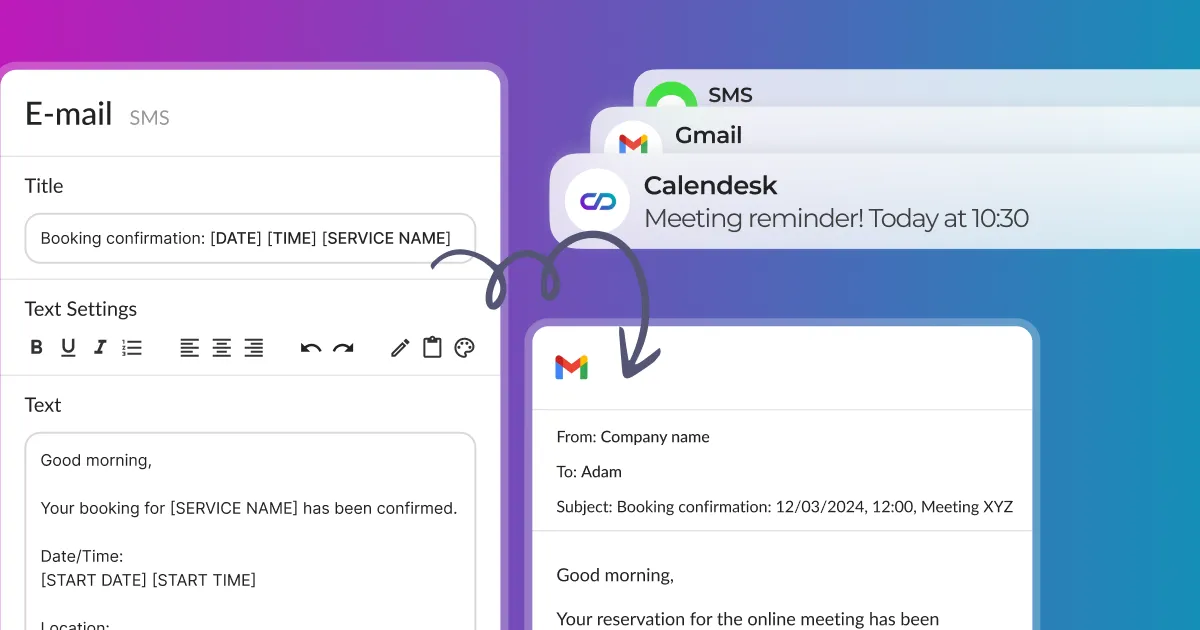
In the article How can I edit email, SMS, and push notifications?, we showed you the process of customizing email, SMS and push notifications. These are automatic notifications used mainly by the online booking system.
This article will show you how to manually send notifications to share something with your customers or newsletter subscribers.
Selecting recipients and sending notifications
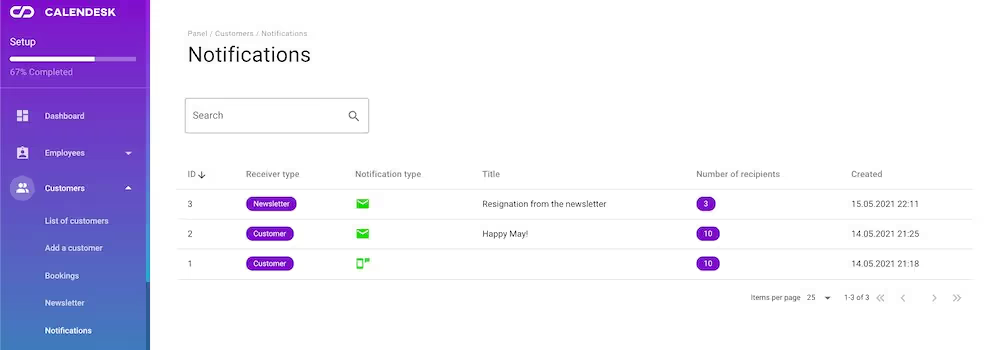
Select people on your customer or newsletter list. A menu appears above the list: choose Send a message to clients. It opens a window where you can create a message and send it.
Messages you’ve sent
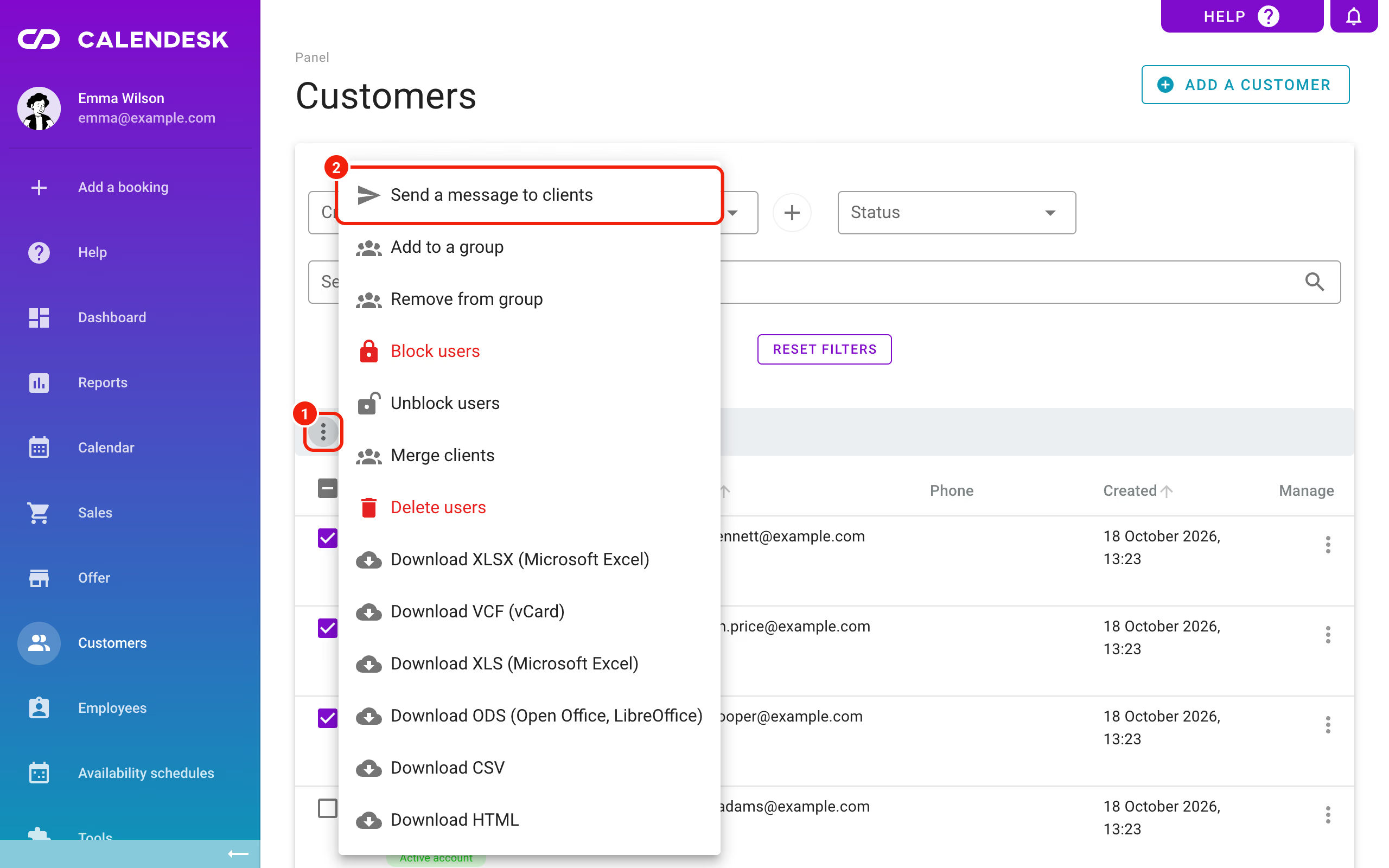
Every message you send lands in Notifications: Activity. How to search and preview it there: Where can I find the messages sent to customers?